There are two ways to change launcher icon.
Using flutter_launcher_icons package.
Generate icons manually from website.
1. Using flutter_launcher_icons package
Add flutter_launcher_icons package under dev_dependencies.
Define flutter_launcher_icons tag with parameters inside pubspec.yaml
Example:
flutter_launcher_icons:
 android: "launcher_icon"
 remove_alpha_ios: true
 image_path: "assets/images/app_icon.png"
 min_sdk_android: 21
Now run below commands.
flutter pub get

dart run flutter_launcher_icons
It will generate launcher icons for android and iOS platform.
2. Generate icons manually from Website
- Here we use the Appicon website.
- Upload your launcher icon there and select icon size according to your requirement.
- Now Generate icons and download zip file.
- Unzip downloaded file and replace android/app/src/main/res folder and ios/runner/Assets.xcassets folder.
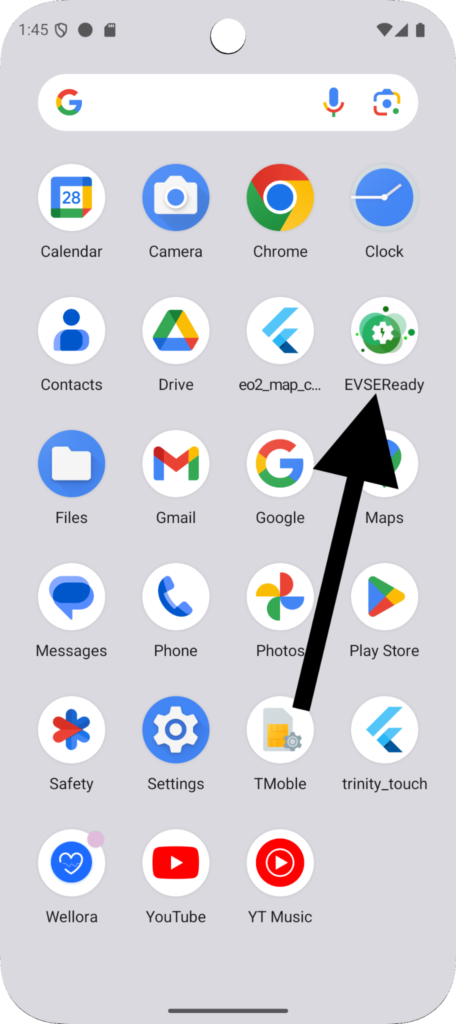
Output:

Need Help With Flutter Development?
Work with our skilled Flutter developers to accelerate your project and boost its performance.
Hire Flutter Developers