This blog highlights the limitations that CTOs, business owners, and non-technical users face when relying solely on no-code tools for app development. It also shares proven solutions, which include when to adopt custom code and how IT staff augmentation can bridge skill gaps to ensure scalability, security, and long-term growth.
Table of Contents
Introduction
My 13+ years of experience in tech have shown the difference between hype and real change. No-code tools fall into the latter category. They are here to stay and will continue to grow more powerful over time.
That said, they are not perfect yet.
No-code platforms work brilliantly for the early stages. Products can launch quickly, ideas can be tested, and even the first 100 users can be acquired without writing a single line of code. But, as growth increases, problems appear, such as slow performance, custom logic becoming difficult to apply, security becoming a concern, and investors often expecting more robust solutions.
This scenario has become increasingly common nowadays. Founders build something impressive, but reach a point where scaling further creates a challenge. The goal is simple: enhance the product and take it to the next level. This is where developers become essential.
To know when to bring in development expertise and plan the transition carefully ensures continued growth and long-term success.
Why No-Code Tools for App Development Are Creating a Buzz?
No-code tools for app development have become the talk of the town, and for good reason. Founders, CTOs, and PMs see them as a smart way to move fast without burning their resources. The appeal lies in the benefits that matter most in the early stages:
Rapid prototyping and idea testing that helps validate concepts in days instead of months.
Simple internal tools and workflows that solve problems without waiting on engineering teams.
Lower costs for non-technical founders or lean teams who need to make progress with limited budgets.
Speed-to-market that gives an edge when timing matters more than building long-term architecture.
This mix of speed, affordability, and accessibility is why so many choose no-code as their first step toward building a product.
There is no denying that using no-code tools for app development is a great idea for anyone who wants to develop applications. However, things get tricky when you want more than the basics or want to move forward with it.
No-Code Development Hurdles and Bacancy Solutions for Businesses
No-code tools have helped countless founders and teams bring ideas to life quickly. But as many leaders eventually discover, these tools come with limitations. Hence, it is crucial to understand challenges, their solutions, and know when and how to evolve. Let’s walk through some real challenges that users have faced and how we at Bacancy address them.
1. Scalability Issues
Many founders worry about whether their no-code app can grow with them. Most platforms are designed for MVPs and smaller user bases, but struggle once traffic or data volume increases.
For instance, a creator built her app on a no-code platform, but as the user base expanded, database queries slowed, and scaling limits became a roadblock. Another developer who tried FlutterFlow shared similar struggles with customization and poor code quality, while Bubble users reported issues with performance at scale.
Our Approach Towards It: We ensure scalability by setting up hybrid solutions. Critical parts such as databases, APIs, and high-load modules are built with custom code, while non-critical modules stay on no-code. This allows a product to grow smoothly without losing the advantage of speed.
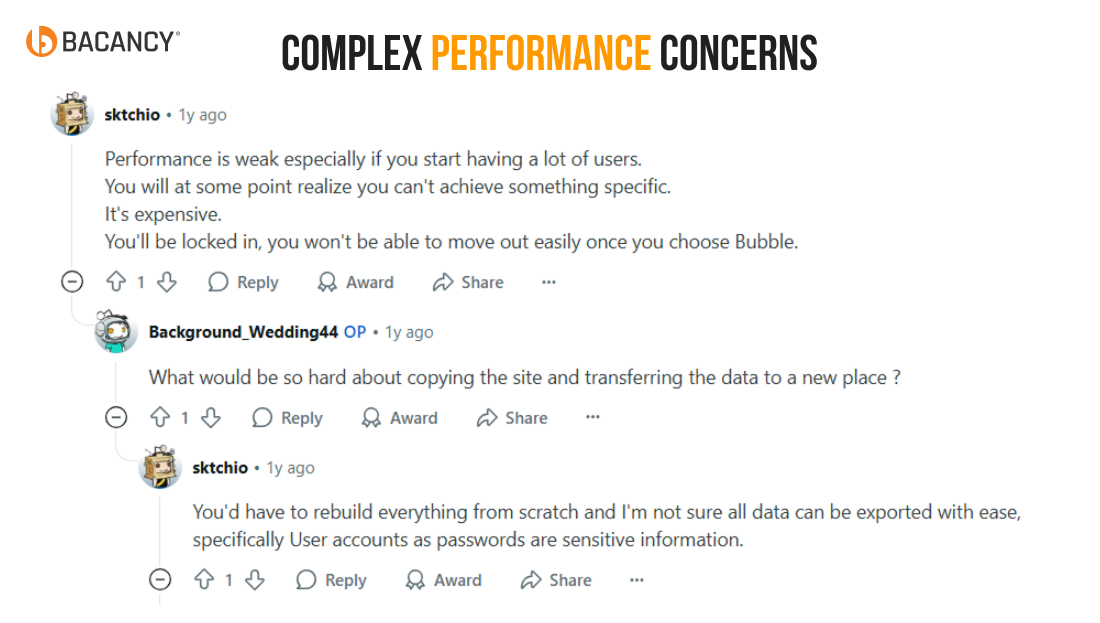
2. Complex Performance Concerns
No-code tools can handle simple apps well, but they often fail when the product requires heavy backend logic or real-time data handling. Their built-in functions are limited, and downloaded code usually lacks the structure needed for complex workloads.
For instance, a developer who used FlutterFlow found that the app worked for basic UI but broke down under complex workflows, forcing a shift to custom coding. Similar feedback from communities shows these tools rarely deliver production-ready performance for advanced use cases.
How Bacancy handles this: We design performance-intensive workflows with developer-managed systems for reliability and speed, while keeping non-critical parts on no-code. This balance gives you both faster delivery and stable, production-grade performance.
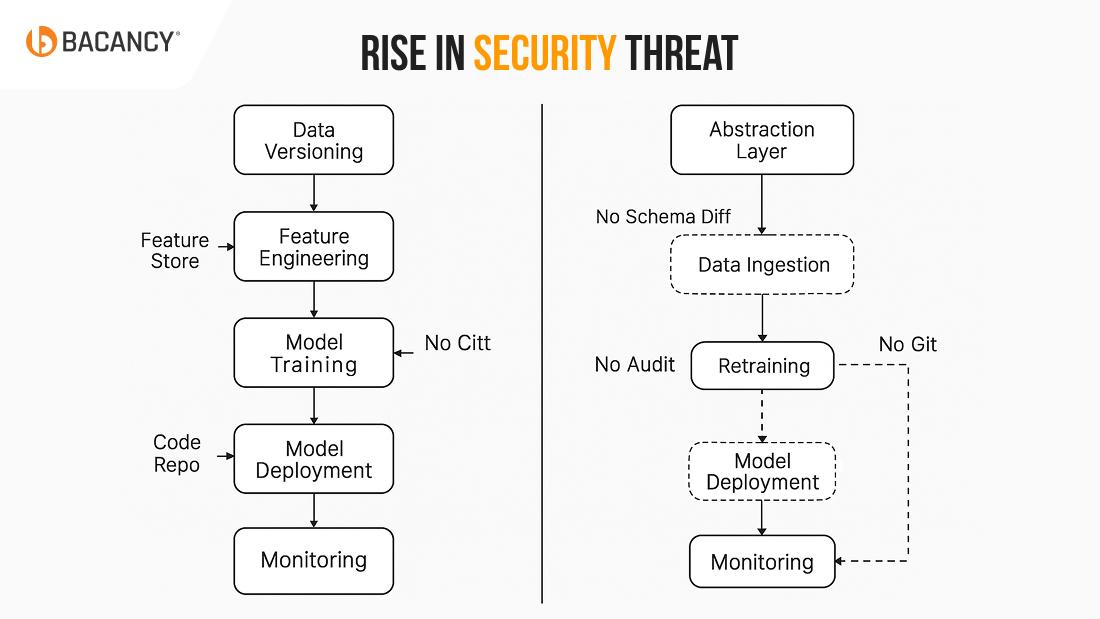
3. Rise in Security Threat
Several owners like us are highly concerned about security and compliance. No-code platforms generally offer basic security, but enterprise-grade requirements like HIPAA, SOC2, PCI-DSS, or GDPR are often beyond their capabilities.
For instance, a fintech startup used no-code tools to prototype its lending platform. When banks and investors reviewed the app, they quickly realized that the tool couldn’t meet banking compliance standards. The startup had to pause its launch and rebuild core components on a secure, developer-managed backend.
How Bacancy handles this: We design secure infrastructure for sensitive workflows, with encrypted data storage, role-based access, and audit-ready logs. Non-critical features can remain on the no-code platform and maintain speed while mission-critical processes meet the highest compliance standards.
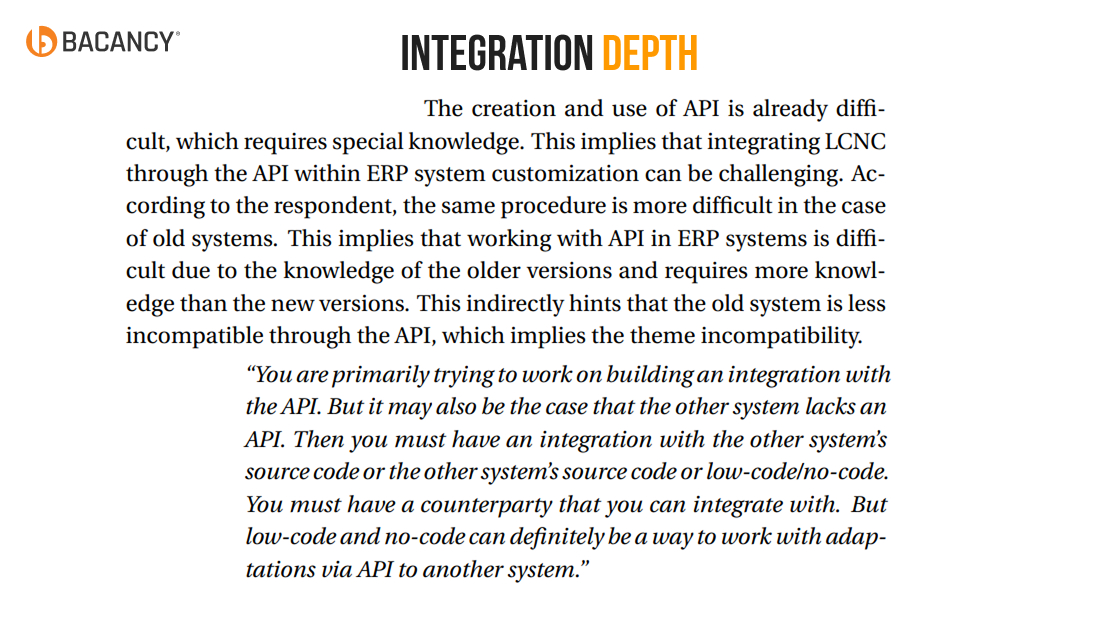
4. Integration Depth
No-code tools make integrations easy for common apps like Slack, Gmail, or Zapier, but connecting to enterprise systems or legacy databases is where challenges arise.
For instance, a logistics startup tried using Webflow and Zapier to track shipments. Everything worked fine initially, but the integration failed repeatedly when they needed real-time updates from their warehouse management system, which forced manual reconciliation.
Bacancy’s approach: We build custom middleware or API connectors that allow your no-code apps to talk to any system reliably. Whether it’s ERP, CRM, or a legacy database, we ensure the integration is real-time, automated, and monitored, so your business doesn’t slow down as complexity increases.
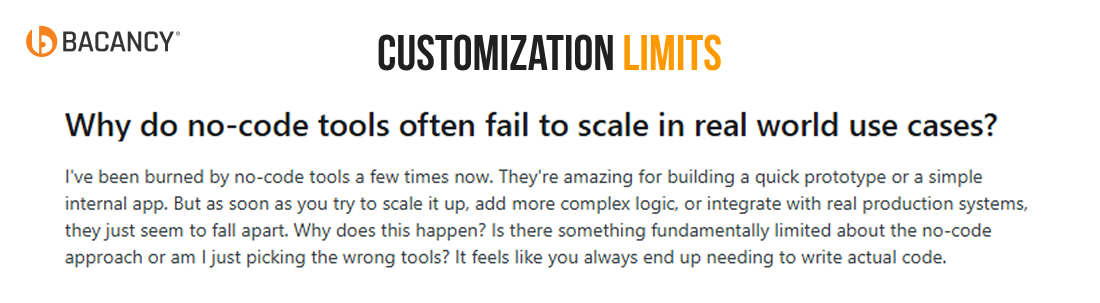
5. Customization Limits
No-code platforms are great for simple apps, but templates and drag-and-drop interfaces become restrictive when you need a truly unique user experience or advanced features.
For instance, an e-commerce brand on Shopify wanted a custom checkout flow with loyalty discounts and personalized upsells. Shopify’s templates couldn’t support the complexity, and every workaround affected the user experience, leading to lost conversions.
Our solution: At Bacancy, we enhance no-code setups with custom front-end development or adopt headless CMS solutions. This allows teams to retain fast prototyping and deliver fully branded, personalized, and feature-rich experiences to customers.
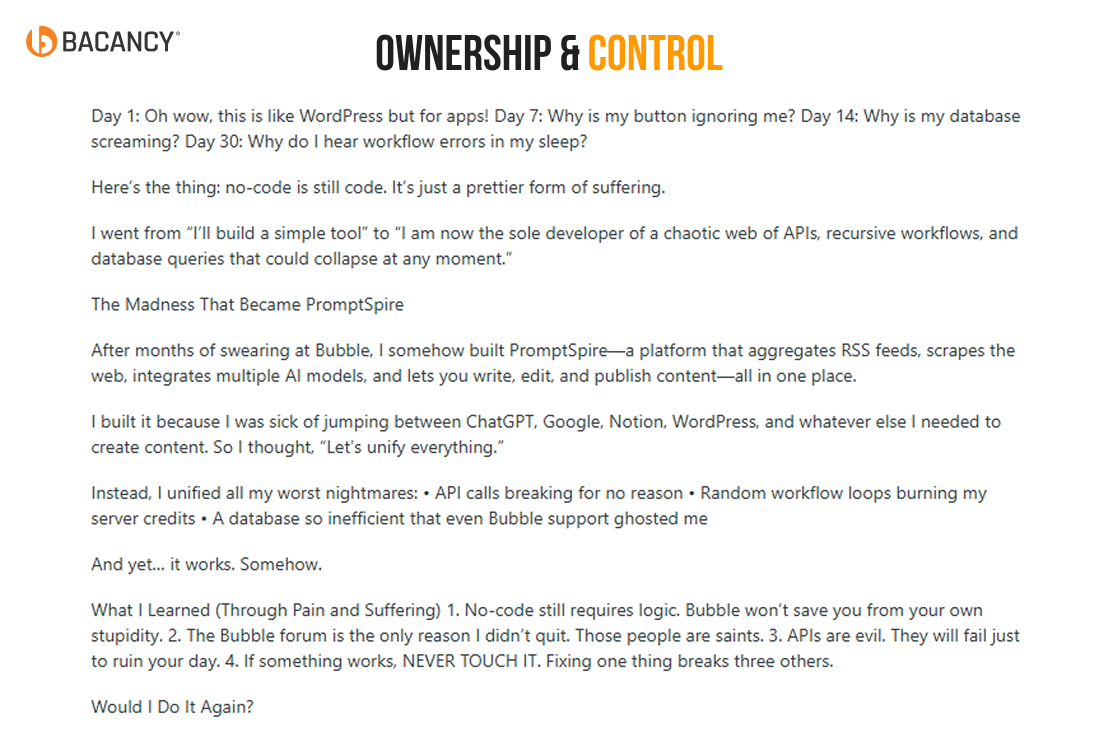
6. Ownership & Control
Finally, let’s talk about control. If you are using no-code tools for app development, you are dependent on a vendor’s rules, uptime, and infrastructure changes. If they push an update or change APIs, your app could break unexpectedly.
For instance, a SaaS startup built a marketing analytics tool using Glide. A sudden platform update changed API responses, breaking critical reports. The team had no control over timing, causing downtime and unhappy clients.
Bacancy’s approach: We ensure data ownership and portability, move core business logic to developer-managed infrastructure, and implement migration strategies that prevent downtime. Our staff augmentation for startups helps you maintain control and flexibility, even if parts of your product still rely on no-code components.
How to Know It’s Time to Bring Developers Onboard?
After knowing the solutions, let’s understand when to onboard developers or experts to achieve your business goal.
When Your MVP Starts Gaining Traction
No-code tools are perfect for early testing, but once your user base grows, you may notice slower performance, occasional errors, or limited functionality. At that moment, it is the right moment to bring developers in to scale your product, optimize performance, and ensure users continue to have a smooth experience.
Before Major Funding Rounds
Investors want to see that your platform is robust, scalable, and sustainable. While no-code is great for prototypes, it rarely meets the technical depth investors expect. Engaging developers before funding shows that your product is built to last, giving investors confidence and improving your chances of closing the round.
During Digital Transformation or Deep Integrations
As your product ecosystem grows, you may need to connect with ERP systems, CRMs, or legacy platforms. No-code tools handle simple integrations, but real-time connections, complex workflows, and multi-system automation require developer expertise to ensure reliability and seamless operation.
When Your Roadmap Includes AI, Automation, or Data-heavy Features
No-code platforms can manage basic automation or lightweight features, but advanced capabilities like AI-driven personalization, predictive analytics, or large-scale automation need custom development. Developers can build these features while keeping the no-code elements for simpler workflows, maintaining speed without compromising scalability.
As a Natural Evolution, Not a Failure
Bringing developers on board does not indicate that your no-code for app development failed. It’s about strategic growth, where you upgrade your technology to support more users, complex workflows, and advanced features, while retaining the speed and flexibility you gained from no-code tools.
How Bacancy Recommends Transitioning Smoothly
At Bacancy, we have seen countless startups and enterprises start with no-code tools to validate ideas and get to market quickly.
The team has the freedom to build without heavy upfront investments. However, as products gain traction, we realize that performance, flexibility, and security need a stronger foundation that only custom development can provide. From my perspective as CEO, here’s how we recommend approaching it:
1. Start with a Hybrid Approach
Not everything needs to move off no-code immediately. Internal dashboards, reporting tools, or workflows that aren’t customer-facing can remain on no-code. Meanwhile, developers focus on high-traffic, customer-facing features that need scalability, security, and reliability. You can connect staff augmentation services to bring in experienced developers for the transition without hiring a full-time team.
2. Design with APIsIT Staff Augmentation Services Efficiently
One of the biggest mistakes we see is trying to replace no-code entirely instead of integrating with it. An API-first approach allows your no-code apps to communicate with custom-built modules. This ensures a smooth, step-by-step transition without disrupting your existing users or workflows.
3. Document Everything Early
Knowledge gaps can derail even the best transition plans. We recommend documenting workflows, integrations, and business logic from day one. This will speed up developer onboarding, ensure transparency, and keep your team aligned.
4. Plan Your Budget Realistically
Moving from no-code to custom development involves investment. Understanding expected costs for automation, integrations, and advanced features is critical. You need to utilize resources that offer flexible scale models based on project needs, ensuring cost-efficiency while maintaining high-quality outcomes.
Our Proven Process for Moving Beyond No-Code
Over the years, we have developed a process that CTOs and PMs consistently find effective. It balances speed, control, and long-term scalability, and we often share it as a blueprint for organizations navigating this transition:
Step 1: Audit and Plan (1–2 weeks)
We begin by mapping bottlenecks in your existing no-code setup. Which workflows are slowing you down? Where do integrations fail? This forms a strategic upgrade plan that guides all subsequent steps.
Step 2: Build the Core and Add Automation (2–4 weeks)
Next, we establish scalable foundations by moving critical features to custom code while keeping less critical functions on no-code. Automation is implemented wherever possible to streamline workflows. At this stage, IT staff augmentation can accelerate progress, giving your internal team support from experienced developers.
Step 3: Enhance UX and Add AI (4–8 weeks)
With a solid backend in place, we focus on user experience and advanced capabilities. This includes personalization, predictive features, and AI-driven workflows. No-code elements continue to handle simpler interactions while developers enhance the intelligence and performance of the platform.
Step 4: Scale and Optimize (Ongoing)
Scaling is continuous. We provide ongoing support, monitoring, and iterative improvements, ensuring your platform remains fast, secure, and reliable. Staff augmentation allows you to maintain access to specialized expertise as needed, without long-term hiring commitments.
What It Takes to Power Your Next Leap
Every product and organization has unique requirements. Here’s the realistic view of the investments involved in moving beyond no-code:
1. Quick Wins and Automation Fixes ($20k–50k)
Ideal for startups looking to optimize performance, eliminate bottlenecks, and streamline workflows. Targeted fixes can make your platform faster and more reliable without a full rebuild.
2. Mid-sized Builds with Advanced Features and AI ($50k–150k)
This covers scalable backend development, integrations, and AI-driven enhancements, providing a balance between immediate improvements and long-term growth potential.
3. Full-scale, Custom-built Platforms ($150k+)
For companies looking for complete control, enterprise-grade security, heavy data processing, and AI capabilities, this investment builds a platform that is robust, flexible, and future-ready.
Why Working with Our Developers Feels Different?
As a trustworthy company, in Bacancy, we understand development is more than just writing code. Technology must deliver real business value. Over the past 13 years, our teams have helped companies across industries solve complex challenges and achieve measurable outcomes.
Our developers are experts in full stack development, AI, automation, cloud solutions, and system integrations. This depth of expertise allows your product to scale efficiently, maintain security, and operate with high reliability.
We also provide IT staff augmentation on demand. This gives you the flexibility to access the right talent when necessary. You can expand your team for specific projects or critical tasks without hiring full-time employees.
To date, we have partnered with over 850 companies and completed more than 2,500+ projects. Our approach remains agile, transparent, and focused on delivering business impact. Working with Bacancy means you gain a partner who understands both the technical and strategic sides of your product development.
Taking Your No Code Tools for App Development to the Next Level
No-code tools for app development provide a strong launchpad for innovation. They allow teams to validate ideas, build prototypes, and reach early customers. However, speed alone does not ensure long-term success.
The key is recognizing when a product needs to evolve. Bringing developers on board at the right stage allows a platform to overcome technical limitations, implement automation, integrate advanced features, such as AI, automation, or cloud, and deliver reliable, high-quality user experiences.
A smooth transition from no-code to developer-led solutions ensures the product continues to perform at a high level while preserving the vision and momentum established in the early stages.
Frequently Asked Questions (FAQs)
You usually notice limits when the app struggles with performance, lacks integrations, or cannot support advanced workflows. If scaling feels harder than innovating, it may be time to evolve.
Yes, a hybrid approach works well. We often preserve what already delivers value and add custom code where flexibility or performance is critical.
Not necessarily. With the right strategy, migration can be phased so users continue to access the system while improvements take place behind the scenes.
Timelines vary based on complexity. Some transitions take weeks, while more advanced systems may need a few months. We always define a clear roadmap before starting.
Costs depend on scale and scope. Smaller enhancements can be cost-effective, while full rebuilds are a larger investment. The key is aligning the budget with long-term business value.
Yes. In many cases, AI and automation can extend your current setup, provided the foundation allows integrations. When not, custom solutions bridge the gap.
We design architectures that handle growth from the start. This includes modular code, cloud-native setups, and performance testing before going live.
Custom development offers stronger data protection, role-based access, compliance alignment, and proactive monitoring that most no-code tools cannot provide.
Yes. Integration is one of the main reasons leaders move beyond no-code. We connect CRMs, ERPs, analytics tools, and third-party APIs to create a unified ecosystem.
You can bring developers into your team as needed, even for a few hours per week. This provides flexibility without the overhead of full-time hires.
We have seen strong results in fintech, healthcare, retail, logistics, and SaaS. Any industry where compliance, performance, or user experience matters gains value.
In most cases, no. We design systems that your team can operate with minimal changes. When new skills are required for no-code tools for app development, we provide training and documentation.
Chandresh Patel
CEO and Agile Coach at Bacancy
Visionary CEO driving innovation, strategy, and customer excellence at Bacancy Technology.