This blog explains how to build full stack AI applications using modern architecture patterns like RAG and agentic systems. It covers tech stack, integration, deployment, security, and cost considerations. You will gain a clear understanding of how to design and scale production-ready AI systems.
Table of Contents
Introduction
Full-stack applications used to handle structured workflows, predictable data, and static logic, but that model is breaking fast.
Now, businesses are embedding AI into core products, yet most AI-powered applications fail in production due to unreliable outputs, high token costs, latency issues, and poor system design.
According to PwC’s 2026 AI research, top-performing companies invest 2x more in AI than their peers and generate twice as much value when AI is involved in a strong full-stack foundation.
In fact, a large number of teams still treat AI as an API add-on instead of a full-layer system. There is also a critical gap between working demos and developed full-stack applications. CTOs and engineering leaders struggle to move from experimentation to a scale system.
In this guide, we break down what full stack AI applications function, the architecture behind them, and how modern teams build and scale them effectively.
What are Full Stack AI Applications?
A full stack AI application is a production software app where an AI layer, such as a large language model, a retrieval system, or an autonomous agent, is built directly into the application stack alongside the frontend, backend, and database.
It differs from a traditional application that simply calls an external AI API. The AI layer reads from the application data, produces outputs consumed by the app UI, and is governed by the same security, observability, and deployment pipelines as the rest of the system.
The shift from an app that calls an AI API to an app built around an AI core. A traditional full stack is organized around three core concerns: the presentation layer (frontend UI), the application layer (backend logic and APIs), and the data layer (database).
A full stack AI application expands this model to six layers by adding an orchestration layer (prompt pipelines, agent workflows, tool calling), a model layer (LLMs, embedding models, fine-tuned models), and a retrieval layer (vector databases, RAG pipelines).
Layer
Full Stack AI Application
Traditional Full Stack App
Presentation
Streaming responses, citation display, and real-time feedback
Static or reactive UI
Application / API
Business logic plus AI request routing, context assembly
Business logic, CRUD operations
Orchestration
Prompt pipelines, agent workflows, and tool calling
Not present
Model
LLM APIs, embedding models, fine-tuned models
Not present
Data / Retrieval
Relational DB plus vector database plus RAG pipelines
Relational or NoSQL database
Infrastructure & Observability
APM plus model drift, hallucination tracking, and token cost metrics
APM, uptime monitoring
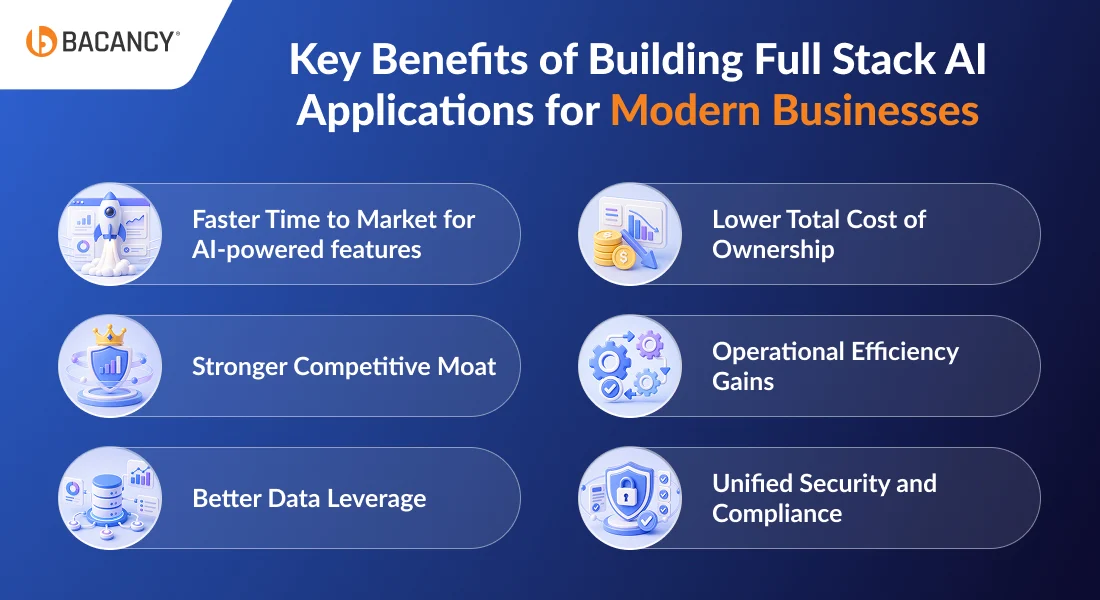
Key Benefits of Building Full Stack AI Applications for Modern Businesses
Building a full stack AI application offers business outcomes that standalone AI features or disconnected ML pilots cannot match. Here is what CTOs and technical decision makers actually gain when AI is built into the stack instead of bolted on afterward:
1. Faster Time to Market for AI-powered features
A well-architected full stack AI application lets teams deliver new intelligent features in days, not quarters, because the AI layer is already wired into the product.
2. Lower Total Cost of Ownership
Caching, reusable prompts, and shared observability across the AI layer. It can reduce per-feature build cost by 40 to 60% compared to repeated point integrations.
3. Stronger Competitive Moat
Companies that build AI into their product fabric, not as a chatbot widget, build defensible advantages. It offers benefits in terms of personalization, decision support, and automation that competitors cannot copy overnight.
4. Operational Efficiency Gains
Microsoft’s 2026 industry ROI research shows that 3.4x to 4.2x ROI on generative AI, including AI in manufacturing, AI in retail, and AI in financial services. These gains are driven by apps that embed AI into their core workflow rather than treating it as an external add-on.
5. Better Data Leverage
Full stack applications with AI compound the value of proprietary data through retrieval, fine-tuning, and continuous loops. Your data becomes more accessible.
6. Unified Security and Compliance
AI governance is easier when the AI layer is inside your stack instead of scattered across vendors and shadow tools.
Need Help Designing AI Systems That Combine RAG, APIs, and Scalable Backend Architecture?
Hire full stack developers from Bacancy to build production-ready AI applications that unify data, models, and backend systems at scale.
The Reference Architecture for a Production-Grade Full Stack AI Application
A production full stack AI application follows a predictable request lifecycle. A user submits a query from the frontend. The application layer authenticates the request, applies rate limiting, and passes the query to the orchestration layer.
It routes the query through a semantic router, which classifies it and decides whether a single retrieval pass will answer it or whether the query needs agentic reasoning.
The chosen path retrieves context and assembles a prompt, calls the model layer, and streams the response back through the application to the frontend. Every step emits logs, metrics, and traces to the observability stack.
Two retrieval patterns cover nearly every production full stack AI application in 2026.
Classic RAG vs. Agentic RAG: Which Pattern Fits Your Use Case
Classic RAG retrieves context once, builds a prompt, calls the model, and returns a response. It runs in 300 to 900ms end-to-end and is the right choice when you need sub-second latency, answers are grounded in a known corpus, and queries that do not require multi-step reasoning.
Use case: Customer support assistants, internal search, document Q&A, clinical chart summarization.
Agentic RAG replaces the single retrieval step with a reasoning loop. The agent decides what to retrieve, calls tools (search, database queries, APIs), evaluates intermediate results, and retrieves again if needed. Latency jumps to 2 to 8 seconds, but the system handles complex queries that no classic RAG pipeline can touch.
Use Case: Research assistants, workflow automation, and multi-source analysis.
The rule of thumb: if the query can be answered by one good retrieval, use classic RAG. If the answer requires planning, tool use, or multiple reasoning steps, go agentic.
A note on fine-tuning. Fine-tuned models sit alongside both patterns, not as a third option. Fine-tuning makes sense when language patterns are highly specialized (legal drafting, medical coding, financial filings) or when base models cannot hit accuracy targets. Most production systems fine-tune embedding models inside the RAG pipeline rather than fine-tuning the generation model itself.
The Memory Layer: Long-Term Context with Vector DBs and Graph Databases
Both patterns need a memory layer to handle anything beyond single-turn interactions. Two stores usually work together. Vector databases (Pinecone, Weaviate, pgvector) handle semantic recall: “find me content similar to this query.”
Graph databases (Neo4j, ArangoDB) handle relational recall: find me how these entities connect. Classic RAG usually gets by with vectors alone. Agentic RAG benefits from both, because agents reason across entities and relationships, not just similarity.
How Do You Integrate AI into a Full Stack Application?
Integrating AI into your full stack applications follows 5 production-grade steps. These steps ensure the AI system integrates seamlessly across the stack and performs reliably in production.
Step 1: Build the Data Ingestion Pipeline
Load your source documents, chunk them, generate embeddings, and index them into a vector database. You can use LangChain, LlamaIndex, or Unstructured for parsing.
Pick an embedding model (OpenAI text-embedding-3-large, Cohere embed-v4, or open-source bge-large) and commit to it, because mixing embedding models across your corpus silently breaks similarity search.
Chunking strategy matters more than most teams expect: fixed-size is fastest, semantic preserves meaning, and recursive handles nested documents best.
Watch out for: Choosing an embedding model you will outgrow. Re-indexing a million-document corpus later is expensive.
Step 2: Implement the Retrieval Logic
Pure vector search misses exact-match queries like “invoice #4891.” Hybrid search combining vector similarity with keyword matching (BM25) consistently outperforms either method alone.
Add a cross-encoder reranker (Cohere Rerank or bge-reranker) to push the most relevant results to the top. Apply metadata filtering (user ID, document type, date range) before the semantic search runs, not after.
Watch out for: Filtering after retrieval. It wastes computation and returns worse results.
Step 3: Construct Prompts Systematically
A production prompt has three parts: a system prompt defining role and constraints, retrieved context injected as structured data, and the user query. Template the prompt so it is reproducible and testable. Few-shot examples improve output format consistency, but cost tokens on every request, so use them only where they pay off.
Watch out for: Most hallucinations originate here, not in the model. A strong prompt with weak retrieval still works. A weak prompt with strong retrieval fails.
Step 4: Invoke the Model with Production Patterns
Streaming is non-negotiable for perceived latency. Users tolerate a 4-second complete response if the first token arrives in 400ms. Cap both input and output tokens per request.
Build fallback logic so a provider outage (primary Claude, fallback GPT-4.1) does not take your product down. The FastAPI pattern below shows the core structure:
Watch out for: No fallback logic. When your model provider has a bad hour, your product goes down with them.
Step 5: Handle Post-Processing
The model’s raw output is not ready for the UI. Validate structured outputs against a Pydantic or Zod schema. Verify that source citations actually match the retrieved context, because citation hallucination is common. Apply guardrails (LLM Guard, NVIDIA NeMo Guardrails, Guardrails AI) before the response reaches the user. Log the full trace for observability and evaluation.
Watch out for: Trusting raw model output. Even good models fabricate citations and leak PII if nothing is watching.
Deploying and Scaling a Full Stack AI Application in Production
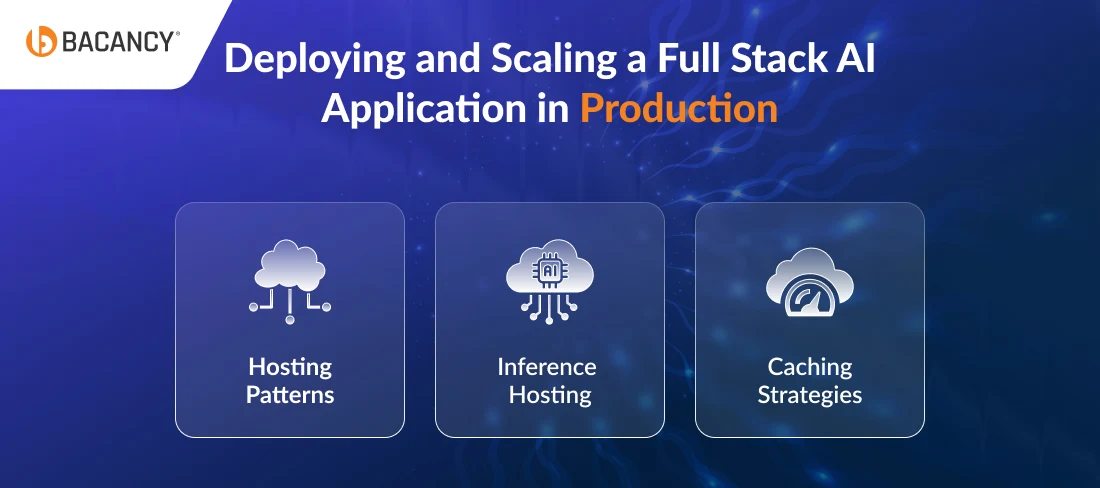
Deployment decisions for full stack AI applications fall into three buckets: hosting, inference, and optimization.
1. Hosting Patterns
Serverless platforms (Vercel, Cloudflare Workers, AWS Lambda) work well for the application and orchestration layers because request patterns are bursty and latency tolerances are generous. They struggle with long-running agentic workflows that exceed timeout limits.
Containerized deployments on Kubernetes, ECS, or Cloud Run handle long-running processes and give finer control over resource allocation. Most production systems land on a hybrid: serverless for the API and orchestration, containerized for inference and background jobs.
2. Inference Hosting
Managed APIs (OpenAI, Anthropic via AWS Bedrock, Google Vertex AI, Azure OpenAI) deliver the fastest time to market, pay-per-token pricing, and no infrastructure overhead at the cost of vendor lock-in and per-request cost at scale.
Self-hosted inference using vLLM, Ollama, or the llm-d project gives full control, lower per-request cost at high volume, and data residency at the cost of GPU operations, model ops, and dedicated MLOps headcount.
The break-even point is typically around 10 million tokens per day; below that, managed APIs win on total cost of ownership.
3. Caching Strategies
Prompt caching (Anthropic and OpenAI both offer native prompt caching) cuts costs by 50–90% on repeated context. Semantic caching stores the response for semantically similar queries using a vector index, useful for high-volume applications where users ask the same questions in different words.
Response caching works when output determinism is acceptable. Applied together, these three techniques routinely cut inference costs by 40-60%.
Latency budgeting. A typical 1.5-second end-to-end response splits roughly as: 50ms network, 200ms retrieval, 150ms prompt assembly, 800ms model inference first token, 300ms streaming to completion. If your budget is tighter, the model layer is almost always where the time goes; use smaller models for simple queries, larger ones only when needed.
What Are the Security Risks of Full Stack AI Applications?
Full stack AI applications introduce an attack surface that traditional application security was never designed to cover. The OWASP LLM Top 10 frames the landscape. Five threats matter most for CTOs:
Prompt injection: User input manipulates the model into ignoring its system prompt. This is the #1-ranked risk and the hardest to eliminate.
Sensitive data leakage: Retrieved context, chat history, or logs expose PII, credentials, or proprietary information to the wrong users.
Training data poisoning: For teams fine-tuning models, corrupted training data silently degrades future outputs.
Model theft: Proprietary models are extracted through systematic API scraping, reportedly cloneable in under two weeks of sustained queries.
Insecure output handling: Model outputs are passed to downstream systems (SQL, shell, HTML) without validation, enabling classic injection attacks through a new vector.
Five controls every full stack AI application should have from day one:
Input validation and prompt injection detection. Tools like LLM Guard or NVIDIA NeMo Guardrails scan user input against known injection patterns.
Output filtering with PII redaction before logging. Sensitive data in logs is a breach waiting to be discovered and redacted before persistence.
Rate limiting and per-user token quotas. Caps both cost and model-theft risk.
A structural guardrails layer. Enforces content policy, output format, and data access rules as a separate layer, not as prompt instructions the model may ignore.
Audit logging at every architectural layer. Full trace from user query to final output, retained according to compliance requirements.
Retrofitting AI security into a shipped application typically costs 3-5x more than building it in during initial development, a pattern familiar to any CTO who has bolted SOC 2 controls onto a legacy system.
Full Stack AI Application Development Cost: Timeline and Hidden Cost
The honest answer to How much does it cost to build a full stack AI application? is that it depends on three things: the complexity of the AI layer, the compliance environment you are operating in, and how much of the stack you are building versus buying.
Tier
Cost Range
Timeline
What You Get
MVP
$30K to $80K
8 to 12 weeks
Core AI feature, basic UI, managed LLM APIs, single vector DB, minimal observability
Production-Grade
$150K to $400K
4 to 9 months
Full 6-layer architecture, hybrid search, guardrails, observability, compliance baseline
Enterprise-Scale
$500K+
9+ months
Multi-region deployment, self-hosted inference, full audit logging, regulated-industry compliance
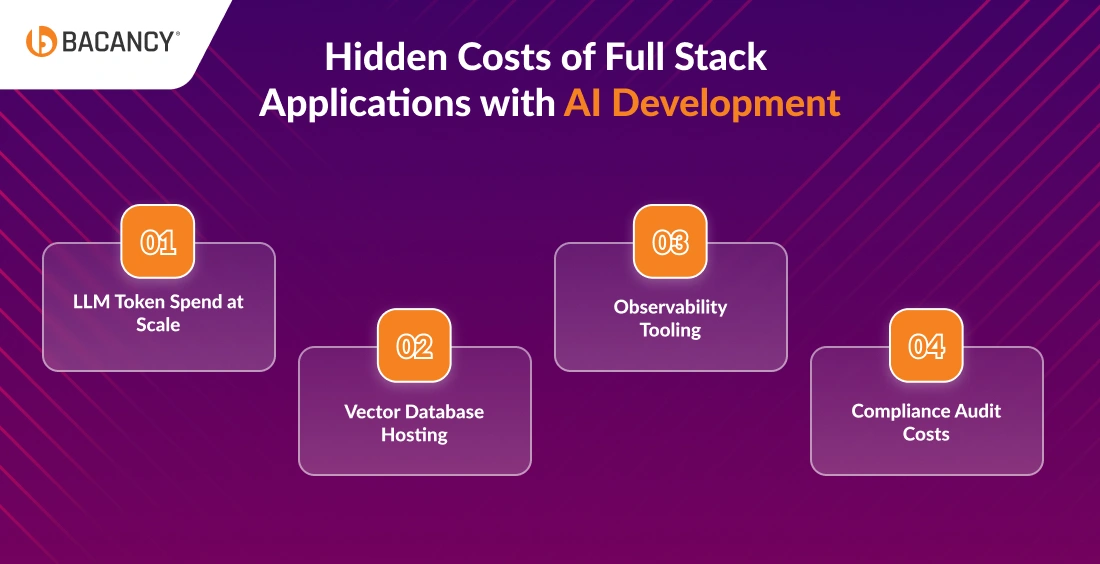
Hidden Costs of Full Stack Applications with AI Development That Most CTOs Underestimate
LLM token spend at scale: A consumer-facing full stack AI application with 1,00,000 daily active users can burn through $30K to $80K per month on API costs alone without caching. Apply prompt caching, semantic caching, and response caching together, and that number drops 40 to 60%. Without caching, token spend becomes the largest operating line in the budget faster than most CTOs expect.
Vector database hosting: Managed services like Pinecone scale linearly with document volume. A corpus that costs $200 per month at the MVP stage can cost $3,000 to $10,000 per month at mid-enterprise scale. pgvector inside your existing Postgres instance avoids this entirely for most builds under 10 million vectors.
Observability tooling: LangSmith, Arize, or Datadog LLM Observability runs $500 to $5,000 per month, depending on volume. Teams that skip this line item save money in year one and pay for it in year two when they cannot diagnose production issues.
Compliance audit costs: SOC 2 Type II runs $30K to $60K. HIPAA and PCI-DSS audits range from $50K to $100K+. These costs hit before the application goes live in regulated industries and are often missing from the initial project budget entirely.
Team Composition for a Full Stack AI Application
Role
No of Developers/Team
What They Own
Full-Stack Developers
2-4
App scaffold, API layer, AI layer integration, production code quality
AI/LLM Engineer
1-2
Prompt engineering, model selection, fine-tuning, evaluation
Data Engineer
1
Ingestion pipelines, vector database, and retrieval quality
The pattern most CTOs miss is the one that affects timeline and budget most: the cost of full stack developer is often overestimated compared to that of AI specialists. AI engineers focus on prompts, model selection, and retrieval tuning. While full-stack developers build the product that users actually interact with.
How Bacancy Helps You Build Full Stack AI Applications
If you are planning a full stack AI application and trying to figure out how to staff it, scope it, or move it from prototype to production, Bacancy is there to fill the space. As a full stack development company with deep experience building AI-powered products end-to-end, we help CTOs and product teams design the architecture, build the RAG pipelines, handle deployment and observability, and keep security tight the whole way through.
What we bring to a full stack applications with AI build:
Pre-vetted full-stack developers who work across React, Next.js, Node.js, Python, and FastAPI, and who are comfortable with the AI integration layer (LangChain, LlamaIndex, OpenAI, Anthropic, Pinecone, Weaviate, AWS Bedrock, and Azure OpenAI).
Flexible engagement models that match how your team works. Staff augmentation to scale your existing engineering group. Dedicated teams that combine full-stack developers, AI engineers, and DevOps under one roof. End-to-end builds where we own the architecture through launch.
Production-hardened experience across AI chatbots, RAG-based internal search, document Q&A systems, AI-powered SaaS features, fintech risk engines, and healthcare clinical workflows.
Compliance and security discipline for regulated builds, including HIPAA, SOC 2, and PCI-DSS requirements, which in-house teams often underestimate until late in the project.
48-hour engagement starts. Pre-vetted talent means you are not stuck in a three-month hiring cycle while your competitors are already in production.
Frequently Asked Questions (FAQs)
Yes, you can add full stack applications to existing apps with an AI layer by adding an orchestration service next to your current backend. It connect to the vector database and LLM provider, wiring the AI features into your existing frontend. It usually takes 4 to 8 weeks to integrate and does not require touching your database schema or authentication layer.
No. Next.js, React, and Flutter all support the streaming UI patterns AI features need. What changes is how the frontend consumes responses: instead of waiting for a complete JSON payload, the UI renders tokens as they stream in, shows source citations inline, and handles partial responses gracefully.
For small teams and single-tenant products, keep the AI orchestration layer inside your existing backend. For products or regulated environments, run it as a separate service. Separation gives you independent scaling, cleaner security boundaries, and the freedom to swap model providers without touching core application logic.
Full-stack developers can own most of a full stack AI application if they pair with one AI engineer for prompt design, model selection, and evaluation. The presentation, application, orchestration plumbing, and retrieval layers are all within a strong full-stack developer’s range. A dedicated AI team is only necessary for fine-tuning, custom model training, or advanced agentic systems.
Session state is handled the same way as in any full stack app (Redis, database, signed cookies). An AI-integrated full stack application adds a memory layer on top of that for conversation history and long-term user context, usually combining a standard cache for recent messages with a vector database for semantic recall across past sessions.
Authentication stays in the application layer, the same as any web app. Authorization is where AI-integrated web applications differ: every retrieved document must be tagged with ownership metadata, and vector search results must be filtered by user ID or tenant before the model sees them. Skipping this step is the most common cause of data leakage in multi-tenant AI products.
The application and frontend layers use your normal CI/CD pipeline. The AI layer needs extra steps: prompt versioning, evaluation tests that run before deployment, and model configuration stored as code. Deploying a new prompt without an evaluation gate is the AI-layer equivalent of releasing code without running tests.
Yes, on-premise full stack apps with AI can replace managed LLM APIs with self-hosted inference (vLLM, Ollama), use open-source models like Llama 3 or Mistral, and run the vector database internally (Qdrant, Weaviate self-hosted, pgvector). The rest of the stack stays the same. This setup is common in healthcare, defense, and financial services.
Hardik Patel
Technical Lead at Bacancy
Veteran .NET developer delivering innovative, high-performance, and client-focused solutions.