Last Updated on November 3, 2025
Last Updated on November 3, 2025
Quick Summary
In this guide, we explore 7 actionable ways to use AI in Angular, packed with practical insights and examples you can start applying right away. Whether you want to make your apps smarter, more intuitive, or simply give users a more personalized experience, these strategies will help you level up your Angular projects.
Table of Contents
What if your Angular app could predict what users want before they even click? That’s the power of integrating Artificial Intelligence (AI) in your Angular app. AI doesn’t just make apps smarter; it helps your app predict user actions, personalize experiences, and even assist developers in coding tasks, all without slowing down your workflow.
Angular has always been a go-to framework for building scalable and robust frontend applications, but adding AI takes it a step further. It transforms ordinary apps into modern, intelligent web applications that feel intuitive and responsive. Adding AI capabilities has become essential for creating high-performing Angular apps that deliver both speed and smarter user experiences.
In this blog, we will dive into 7 practical ways to use AI in Angular applications. These strategies are designed to provide developers, tech leads, and CTOs with actionable insights to enhance functionality, streamline workflows, and improve the overall user experience.
Below are 7 most practical and future-ready ways to use AI in Angular applications. Each point provides in-depth explanations, real-world relevance, and developer-oriented clarity, making it valuable for CTOs, tech leaders, and Angular developers seeking to innovate responsibly.
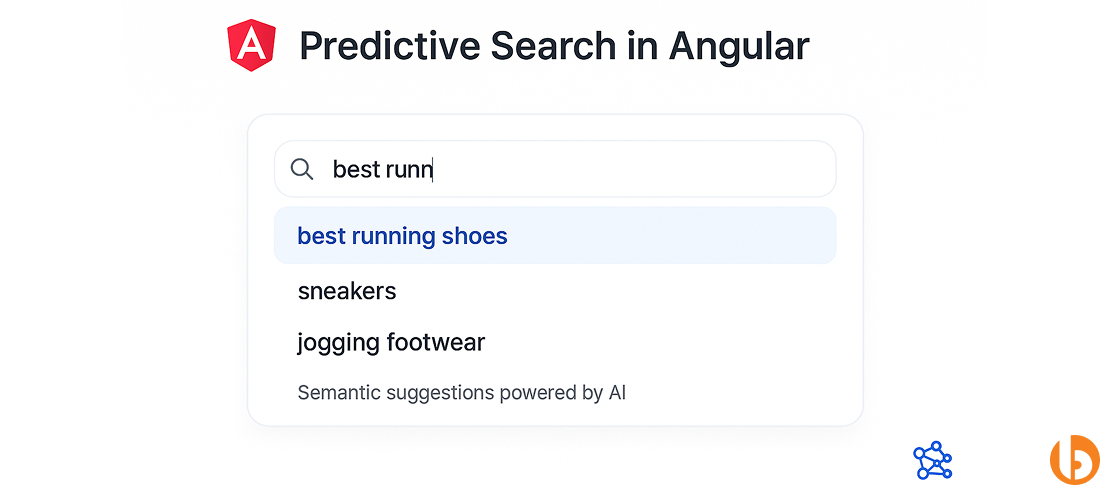
Predictive search is one of the most practical and high-impact ways to apply AI in Angular applications. It allows your app to anticipate what the user is looking for before they even finish typing. The system relies on machine learning models trained on historical user data, search logs, or embedding-based similarity.
For Angular developers, integrating predictive search means combining Reactive Forms, RxJS operators, and AI APIs, such as OpenAI Embeddings, Cohere, or custom TensorFlow.js models. Instead of performing a direct text match, the AI understands semantic meaning.
For instance, a user typing “best running shoes” might also see results for “sneakers” or “jogging footwear.”
For businesses, this directly impacts conversion rates and engagement. In eCommerce, SaaS dashboards, or knowledge bases, predictive UX ensures users find what they need faster, reducing bounce rates and increasing retention.
Implementation Steps:
Code Example:
this.searchForm.valueChanges
  .pipe(debounceTime(300), switchMap(query => this.aiService.getPredictions(query)))
  .subscribe(results => this.suggestions = results);
Use Cases:
Video streaming applications utilize predictive AI to recommend shows or videos even before the user has completed typing. Angular applications can replicate similar experiences using embedding-based recommendation APIs.
Future Insight:
Predictive search in Angular will soon become local and privacy-preserving. With WebGPU and vector databases like LanceDB, client-side search will process embeddings directly in the browser, reducing dependency on external APIs and improving performance.
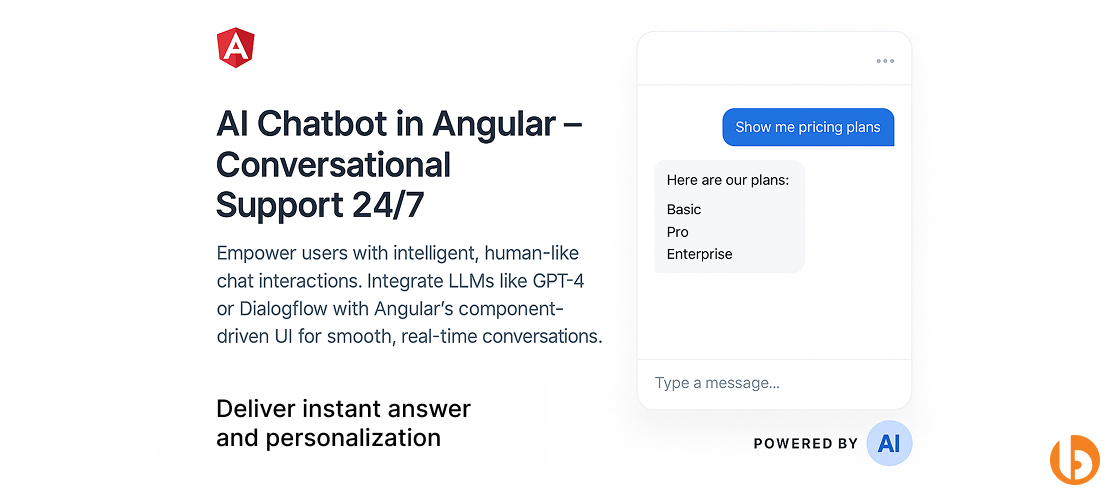
AI chatbots in Angular apps bridge the gap between automation and user experience. They provide instant assistance, onboard users, or answer FAQs without involving human agents. By integrating LLMs (Large Language Models) such as GPT-4, Gemini, or Dialogflow, chatbots understand natural language, context, and even sentiment.
From a technical standpoint, building a chatbot through AI in Angular involves real-time communication, message state management, and UI rendering. You can connect Angular’s component-driven UI with a backend AI API via REST or WebSockets. The chatbot interface can be designed with Angular Material or Tailwind CSS to keep it responsive and conversational.
For businesses, chatbots reduce support costs, improve engagement, and provide 24/7 customer interaction. For developers, it offers an excellent introduction to integrating NLP in Angular.
Implementation Steps:
Code Example:
sendMessage(msg: string) {
  this.chatHistory.push({ role: 'user', content: msg });
  this.aiService.getAIResponse(msg).subscribe(res => {
    this.chatHistory.push({ role: 'bot', content: res.reply });
  });
}
Use Cases:
Duolingo’s in-app chatbot teaches languages through AI-driven conversations. Similarly, an Angular-based SaaS onboarding app can use this model to guide new users step-by-step using conversational UI.
Future Insight:
AI chatbots will evolve into voice-enabled assistants, enabling Angular apps to integrate text and speech seamlessly. Developers will also leverage voice-powered coding tools, such as Copilot Voice and Cursor, to scaffold conversational interfaces more efficiently.
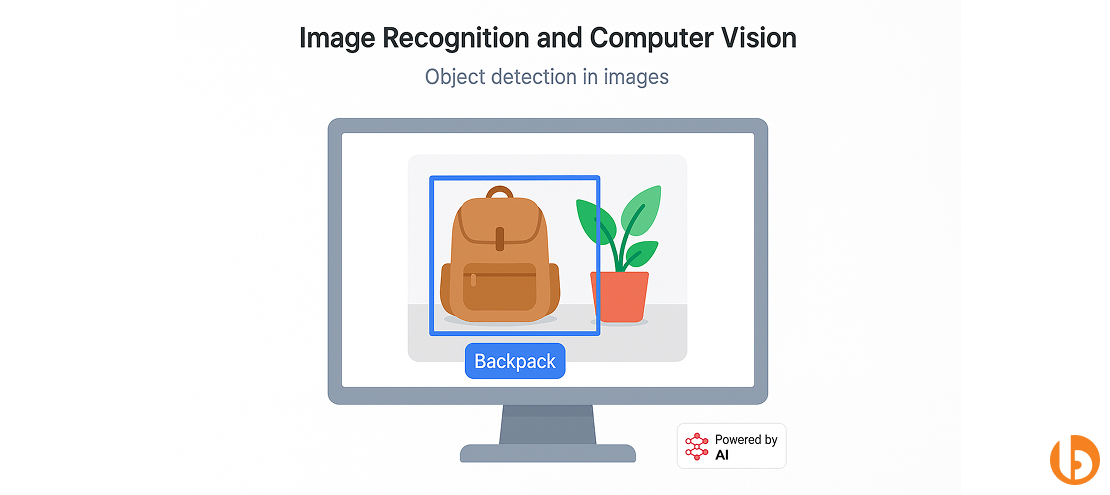
Image recognition enables Angular applications to analyze and interpret visual input, such as photos, scanned documents, or live camera feeds. This is achieved using pre-trained vision models capable of identifying patterns, objects, or text in images.
Integrating computer vision in Angular benefits industries, such as eCommerce (auto-tagging), healthcare (diagnostic assistance), and logistics (barcode and package detection). This process of AI in Angular includes capturing images using HTML5 file input or camera APIs, sending them to AI models like TensorFlow.js, or utilizing cloud services, such as Google Vision API or AWS Rekognition.
Angular’s two-way binding and component reactivity make it ideal for displaying inference results in real time. Developers can use overlays, bounding boxes, or charts to visualize detected elements.
Implementation Steps:
Code Example:
async classifyImage(file: File) {
  const img = document.createElement('img');
  img.src = URL.createObjectURL(file);
  const prediction = await this.model.classify(img);
  this.results = prediction;
}
Use Cases:
A logistics dashboard built with Angular can scan barcodes using TensorFlow.js and automatically fetch shipment details.
Future Insight:
Upcoming APIs like WebNN will allow deep learning inference directly in browsers. This will lead to AI-native Angular apps capable of processing vision tasks locally, offering privacy, speed, and offline capability.
Hire Angular developer who can craft intelligent experiences with predictive search, adaptive dashboards, and real-time insights that make your app truly stand out.
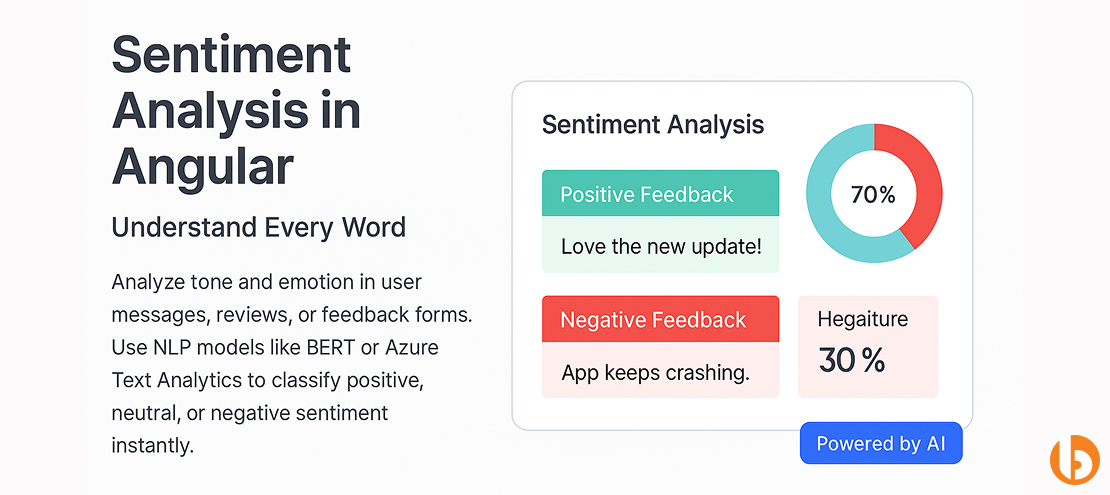
Sentiment analysis allows your Angular applications to interpret and classify the emotional tone of user input. Whether analyzing chat messages, feedback forms, or social comments, NLP models determine whether the text expresses a positive, negative, or neutral sentiment.
From a user perspective, this helps create responsive, empathetic applications that adapt tone or recommendations based on feedback.
For developers, the process involves sending user-generated text to APIs like Hugging Face Transformers, Azure Text Analytics, or a custom-trained BERT model. The analyzed response is then used to adjust UI components dynamically.
For businesses, sentiment analysis offers valuable insights into customer satisfaction, brand perception, and potential risks of customer churn.
Implementation Steps:
Code Example:
getSentiment(text: string) {
  this.aiService.analyzeText(text).subscribe(score => {
    this.sentiment = score > 0.5 ? 'Positive' : 'Negative';
  });
}
Use Cases:
A SaaS feedback dashboard built in Angular can color-code responses based on user sentiment, which helps support teams to prioritize negative feedback faster.
Future Insight:
Future Angular apps will integrate emotion detection through multimodal AI, recognizing tone from voice and text together. These emotion-aware systems will dynamically adjust UI elements like text, images, and calls-to-action to create empathetic digital experiences.
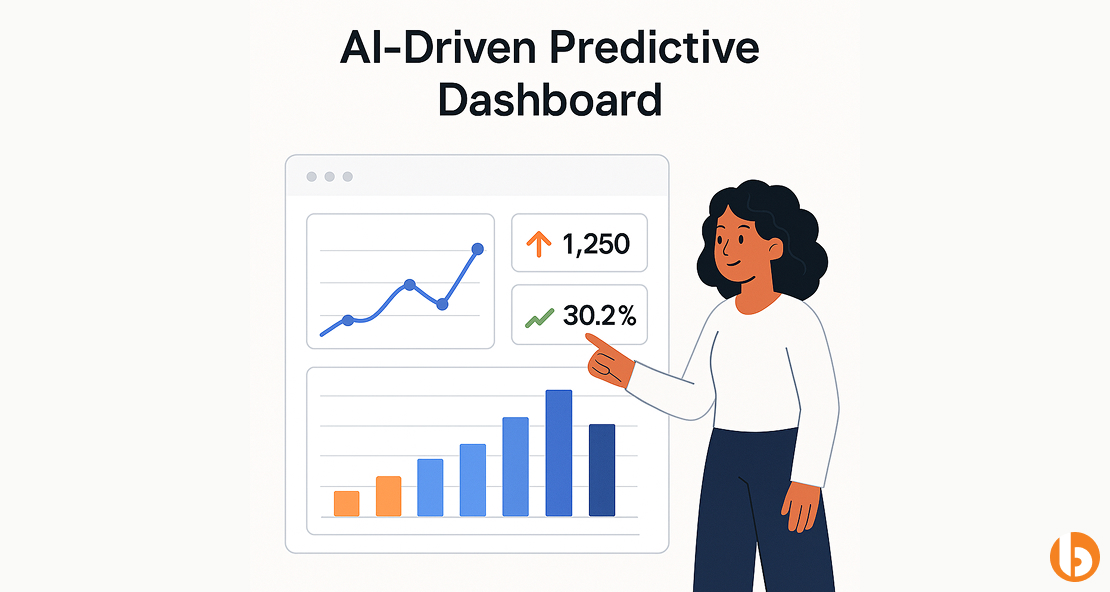
AI-driven analytics turns static dashboards into predictive systems that anticipate trends, performance, and outcomes. By combining Angular’s powerful data-binding features with predictive AI models, businesses can make proactive decisions instead of reactive ones.
In a typical setup, historical data are processed by machine learning models, such as Prophet, XGBoost, or LSTM networks. The results are streamed in real-time to an Angular frontend via WebSockets. Visualization libraries, such as Chart.js, ngx-charts, or D3.js, then render the predictions dynamically.
This enables CTOs and tech leaders to create dashboards that report forecast key metrics, such as sales, churn, or user engagement.
Implementation Steps:
Code Example:
this.socketService.dataStream().subscribe(predictions => {
  this.chartData = predictions;
});
Use Cases:
SaaS products like HubSpot and Power BI use similar predictive analytics to forecast customer conversion rates and marketing performance.
Future Insight:
Low-code AI integrations will soon make it possible to connect Angular dashboards directly to ML endpoints through visual drag-and-drop tools. This will reduce the need for specialized data scientists while allowing rapid AI deployment.
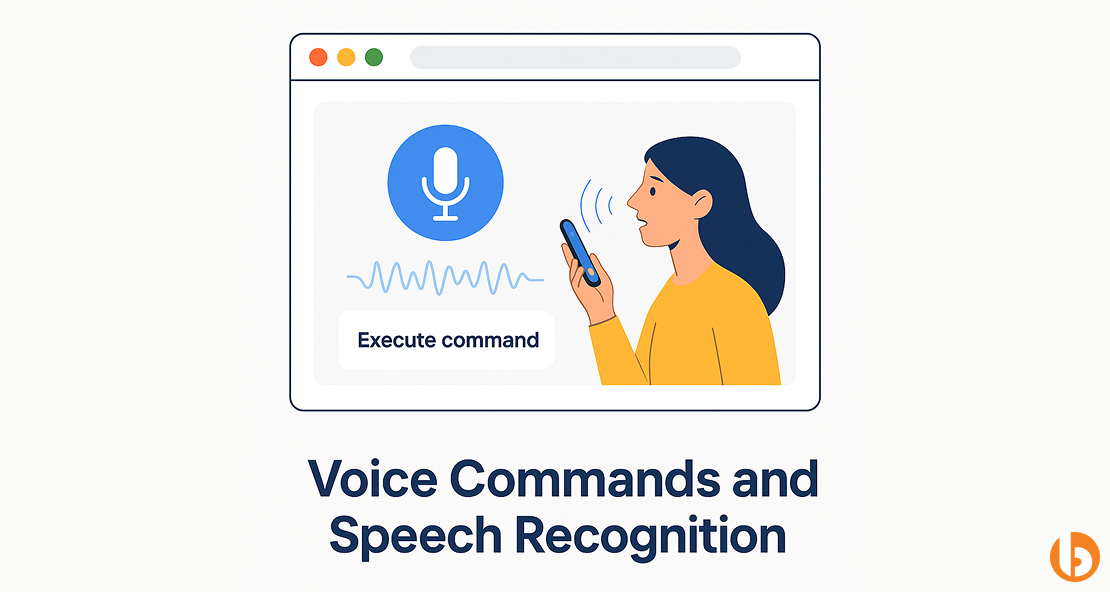
Voice-controlled interfaces are redefining accessibility and usability. In Angular applications, they allow users to navigate, search, or trigger actions through speech instead of traditional input. This is especially useful for enterprise dashboards, healthcare tools, and mobile-first applications.
The Web Speech API enables browsers to process and transcribe spoken commands. You can then use Angular event handlers to map these commands to actions. Combined with AI-based speech-to-text models like Whisper or Deepgram, the system can understand natural language with high accuracy.
Implementation Steps:
Code Example:
const recognition = new webkitSpeechRecognition();
recognition.onresult = (event) => {
  const command = event.results[0][0].transcript;
  this.executeCommand(command);
};
recognition.start();
Use Cases:
Field technicians use voice-activated dashboards in logistics or maintenance to pull data without manual input.
Future Insight:
AI-assisted development will soon allow developers to code Angular apps using voice-based IDEs. Voice-powered coding assistants like Copilot Voice will help developers generate, refactor, and test Angular components hands-free.
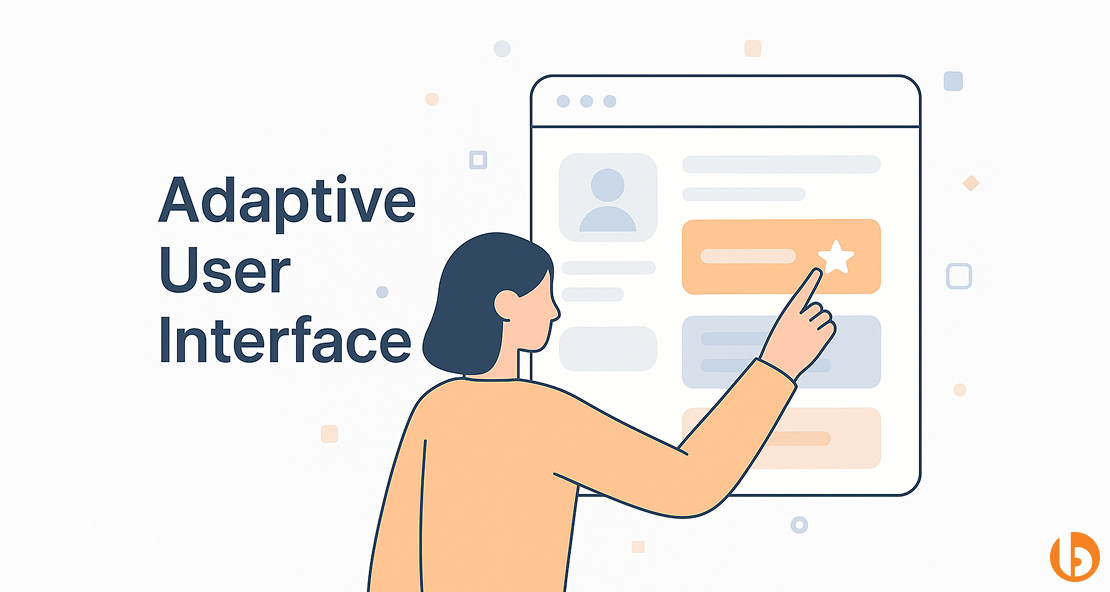
Adaptive user interfaces use AI to dynamically adjust the layout, content, and functionality of your Angular app based on user behavior, preferences, or context. This ensures users always see the most relevant features while reducing cognitive load and improving engagement.
Unlike predictive search or dashboards, adaptive UI focuses on real-time personalization at the interface level rather than content or data analytics.
For developers, implementing adaptive UI in Angular involves tracking user interactions, feeding data into AI models, and updating the UI dynamically using Angular’s reactive features, state management, and component re-rendering.
AI models can learn which UI elements are most important for specific users, which sections to hide, or which features to highlight.
Implementation Steps:
Code Example:
// Angular service to track user clicks and preferences
this.uiService.userActions$
  .pipe(
    debounceTime(200),
    switchMap(actions => this.aiService.getAdaptiveLayout(actions))
  )
  .subscribe(layoutConfig => {
    this.visibleWidgets = layoutConfig.widgetsToShow;
    this.highlightSections = layoutConfig.sectionsToHighlight;
  });
Use Cases:
An e-commerce dashboard built with Angular can dynamically rearrange widgets based on user behavior. For instance, panels or modules that a user interacts with most often, such as sales analytics or inventory reports, can appear prominently.
Future Insight:
The next evolution in Angular apps will combine adaptive UI with multimodal AI, where layouts adapt based on voice, touch, and gesture inputs. Users may see interfaces that change dynamically depending on context, device, or even emotional state.
Integrating AI into Angular apps can be complex, but you do not have to figure it out alone. As a seasoned Angular development company, Bacancy helps teams navigate the technical challenges of AI integration. We guide you in choosing the right libraries and designing workflows that actually improve the user experience.
Our approach is hands-on and collaborative. We provide practical guidance for developers, helping them implement features such as predictive search, adaptive dashboards, intelligent forms, and AI-powered analytics tailored to their application’s needs.
We also assist tech leads and CTOs in understanding how AI impacts performance, scalability, and maintainability so your project stays efficient as it grows.
With Bacancy, integrating AI in Angular becomes strategic rather than experimental. You gain access to proven patterns, best practices, and expert advice, ensuring your AI features are functional and truly valuable for users and your business.
The easiest way to add AI capabilities in Angular is by using ready-made AI libraries and APIs, such as TensorFlow.js, OpenAI API, or Google Cloud AI. These tools enable you to implement predictive search, smart forms, and adaptive dashboards directly in Angular, eliminating the need for complex backend setups. For faster integration, consider modularizing AI features using Angular services and RxJS for smooth reactive updates.
Some common challenges include performance issues, managing large AI models, and handling sensitive user data. AI features can slow down the app if not optimized, and integrating machine learning in real-time requires proper architecture planning. To avoid these issues, developers should use lazy-loading AI modules, client-side processing when possible, and secure data handling practices.
Yes. Libraries like TensorFlow.js allow Angular apps to run machine learning models directly in the browser. This means AI can process data on the client side, reducing server load and improving responsiveness. Client-side AI is especially useful for features like image recognition, voice input, or predictive suggestions.

Tech Geek at Bacancy
Story-driven writer blending research, passion, and full-stack web clarity.
MORE POSTS BY THE AUTHOR
Your Success Is Guaranteed !
We accelerate the release of digital product and guaranteed their success
We Use Slack, Jira & GitHub for Accurate Deployment and Effective Communication.