Quick Summary
This blog covers essential database migration best practices across all three stages: pre-migration, during, and post-migration. Whether you’re migrating on-premise to the cloud or modernizing legacy systems, these strategies will help ensure a successful, low-risk database migration.
Table of Contents
Introduction
Planning a database migration involves more than simply transferring data from one system to another. It requires a clear understanding of how your schemas, queries, access controls, and integrations will perform in the target environment. Without key insights, even small oversights can lead to significant issues after migration.
One common mistake teams make is underestimating the technical challenges involved, such as engine differences, outdated indexing strategies, and untested dependencies. These oversights can lead to slow performance, data inconsistencies, or even system outages.
At Bacancy, we’ve helped teams globally navigate these complexities by applying an engineering-first approach and real-time risk mitigation throughout the migration journey.
That’s why we believe it’s so important to follow a structured approach rooted in proven database migration best practices, because what you miss in planning, you pay for in recovery.
In this blog, we walk you through proven steps for every stage of the migration process: before, during, and after. Applying these practices minimizes risks, avoids costly disruptions, and ensures a smooth, successful transition to your new environment.
Let’s start with the basics first!
What is Database Migration?
Database migration is the process of moving from one database environment to another, such as migrating from on-premises to the cloud, switching from one database vendor to another, or upgrading existing systems.
It involves several key steps: data assessment, extraction, transformation, loading (ETL), and validation to ensure accuracy, integrity, and minimal downtime.
8 Key Scenarios That Trigger Database Migration As Per The Bacancy Experience
Database migration offers a strategic path to improving performance, enhancing scalability, and meeting evolving compliance and security demands. Here are some of the top reasons why businesses choose to migrate their databases.
- Legacy System Limitations: Outdated databases often struggle to support modern application features, larger data volumes, and growing user demands.
- Cloud-Native Architecture Adoption: Migrating to cloud-native databases enables auto-scaling, high availability, and seamless integration with DevOps workflows.
- Compliance and Data Residency Needs: Evolving regulations may require data to be stored in specific regions or within highly secure environments, prompting migration.
- Vendor-Lock In: Switching databases helps avoid dependence on a single vendor’s pricing structure, support limitations, or licensing restrictions.
- Better Query Performance and Latency: Modern databases offer advanced indexing, in-memory processing, and distributed storage for faster performance.
- Microservices and Containerized Workloads: Modern databases provide faster data processing through advanced indexing, in-memory computation, and distributed architectures.
- Consolidation After Mergers or Acquisitions: Database migration helps unify disparate systems, reduce redundancy, and streamline data governance across newly combined entities.
- Automated Backup and Disaster Recovery: Modern and cloud databases include built-in backup, replication, and recovery features, improving resilience and reducing downtime.
Redesign Your Database Architecture to Meet Modern Business Demands.
Consider database development services to redesign, optimize, or rebuild your systems as part of the transition.
Database Migration Best Practices You Need To Know
Database migration typically happens in three phases: pre-migration, during, and post-migration. Below, we’ve covered best practices for each to ensure a smooth and reliable transition.
Pre-Migration Best Practices for Database Migration To Prevent Downtime and Costly Mistakes
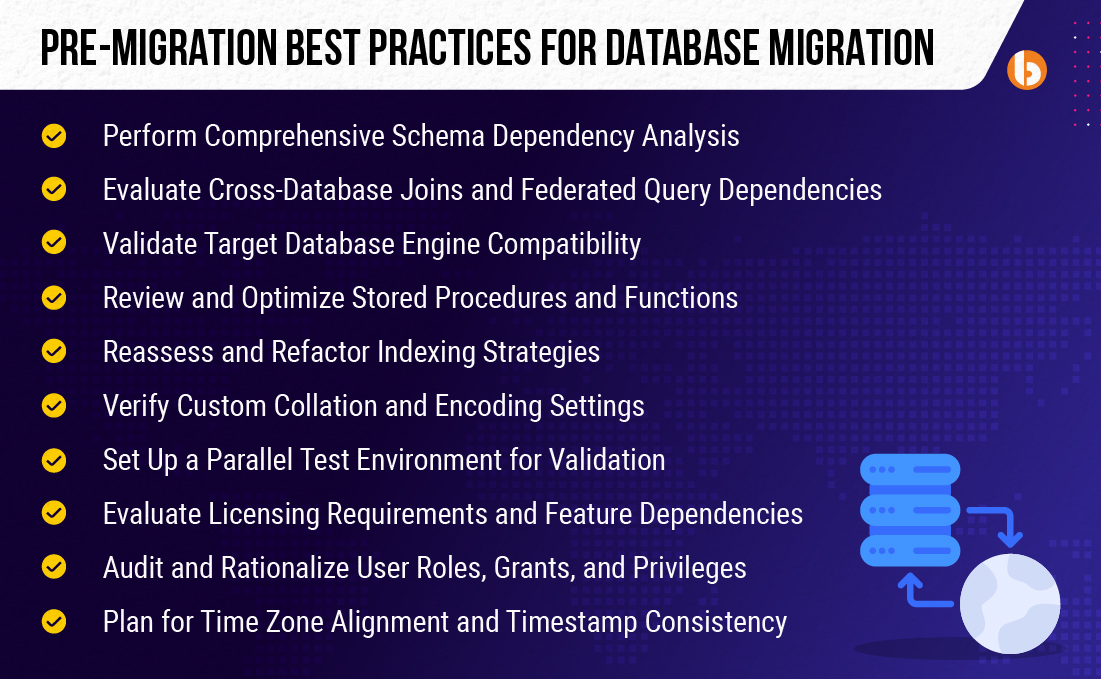
1. Perform Comprehensive Schema Dependency Analysis
Before migration, it’s important to understand how your database objects, such as tables, views, and triggers, are connected. This helps identify any hidden dependencies that may break during migration. As part of database migration best practices, a complete schema analysis ensures a smoother and safer transition.
2. Evaluate Cross-Database Joins and Federated Query Dependencies
Sometimes, a query pulls data from multiple databases or external systems, a process known as a cross-database join or federated query. These queries might not work correctly after migration if the new system doesn’t support such connections. Checking and updating them early helps avoid later access to broken data.
3. Validate Target Database Engine Compatibility
Ensure the new database engine supports your current features, data types, and SQL syntax. This prevents compatibility issues that could disrupt application functionality. Ensuring compatibility is key to a successful database migration.
4. Review and Optimize Stored Procedures and Functions
Analyze all custom stored procedures and functions for compatibility with the target platform. Some may require rewriting to maintain performance and correctness. This step protects your business logic and prevents runtime errors after migration.
5. Reassess and Refactor Indexing Strategies
Indexes improve query performance but work differently across database platforms. Review and adjust indexing strategies to match the new system’s optimization methods. Proper indexing ensures fast data retrieval post-migration.
6. Verify Custom Collation and Encoding Settings
Data sorting and character encoding affect how text is stored and compared. Inconsistencies can cause data corruption or sorting errors. Verify and align collation and encoding settings to maintain data integrity and accuracy.
7. Set Up a Parallel Test Environment for Validation
Set up a test environment that closely matches your production setup to safely test the migration without affecting live data. It’s one of the smartest database migration best practices to avoid surprises later.
8. Evaluate Licensing Requirements and Feature Dependencies
Review licensing agreements and confirm the new database supports all necessary features. Some enterprise capabilities may have additional costs or restrictions. Understanding this upfront helps avoid surprises and plan budgets correctly.
9. Audit and Rationalize User Roles, Grants, and Privileges
Review all user permissions and access controls to ensure security and compliance. Remove outdated roles and unnecessary privileges. Properly managing access reduces risk and supports secure data handling after migration.
10. Plan for Time Zone Alignment and Timestamp Consistency
Ensure that time zone settings and timestamp formats are consistent between source and target databases. Differences can cause errors in time-based data and reporting. Proper planning avoids confusion and ensures data accuracy.
Best Practices During Database Migration for Zero Disruption and Full Control
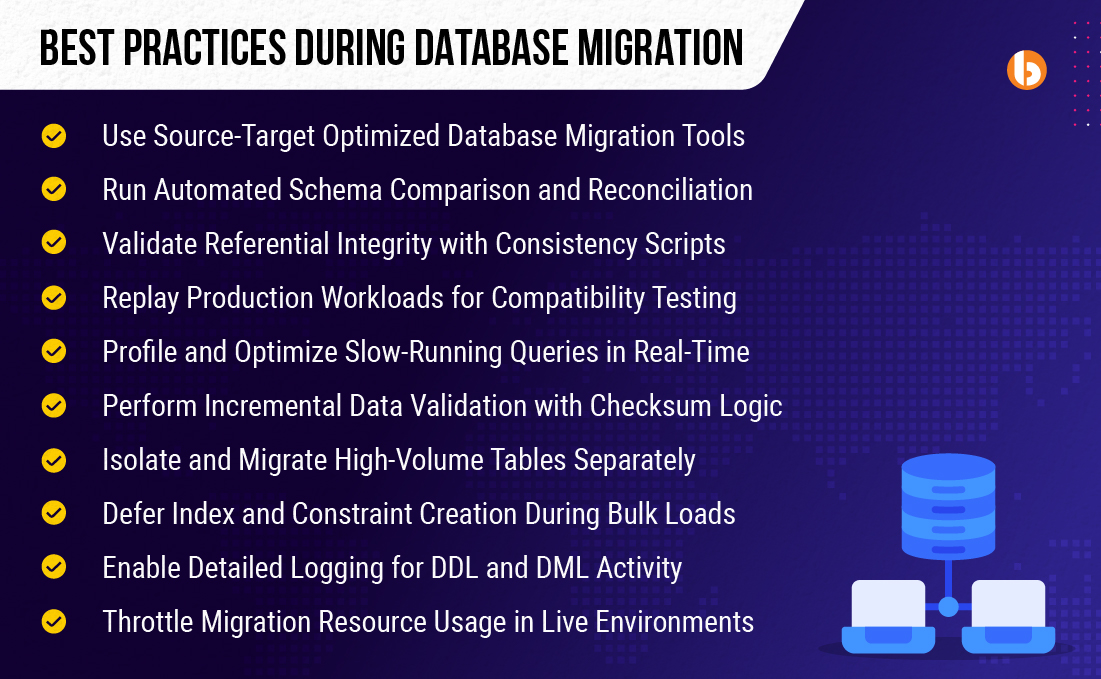
11. Use Source-Target Optimized Database Migration Tools
Choose database migration tools that are specifically built for your source and target databases, like AWS Database Migration Service or Azure Database Migration Service. These tools handle schema conversion, data transfer, and performance tuning efficiently. Using the right tool ensures a faster, more reliable migration with fewer errors.
12. Run Automated Schema Comparison and Reconciliation
Use tools like Redgate SQL Compare, ApexSQL Diff, or dbForge Schema Compare by Devart to detect differences between source and target schemas. These tools help ensure all tables, constraints, and relationships are accurately transferred. Reconciliation helps catch and fix mismatches before they cause issues.
13. Validate Referential Integrity with Consistency Scripts
Ensure that all foreign key relationships, such as links between customers and orders, or products and categories, remain intact during and after migration. Use validation scripts to check for missing or broken links between related tables. Maintaining referential integrity is a core part of database migration best practices to ensure consistent, reliable data.
14. Replay Production Workloads for Compatibility Testing
Capture real user queries, such as product searches, login requests, or order placements, from the source system and replay them on the new database. This helps test performance, compatibility, and stability under real conditions and ensures the new setup behaves as expected.
15. Profile and Optimize Slow-Running Queries in Real-Time
Monitor query performance during migration to spot bottlenecks or slowdowns caused by changes in indexing or execution plans. Tuning these queries early helps maintain performance after the move. It’s one of the often-overlooked database migration best practices that can make a big difference.
16. Perform Incremental Data Validation with Checksum Logic
Use checksums to compare data between the source and target in batches. This ensures the data is accurately transferred, especially during large migrations. Validating in stages reduces risk and improves trust in the results.
17. Isolate and Migrate High-Volume Tables Separately
Move large tables independently to avoid locking issues or slowdowns. Schedule them during low-traffic periods for minimal impact. This helps prevent delays and improves overall migration control.
18. Defer Index and Constraint Creation During Bulk Loads
Temporarily skip creating indexes and constraints during large data imports to speed up the loading process. Once the data is loaded, rebuild indexes and apply constraints to ensure accuracy and performance. This approach aligns with efficient database migration best practices for handling high-volume data.
19. Enable Detailed Logging for DDL and DML Activity
Turn on detailed logging to capture schema changes using DDL (Data Definition Language) and data changes using DML (Data Manipulation Language) during migration. These logs help trace issues, validate each step, and support rollbacks if needed. Logging ensures transparency and accountability throughout the process.
20. Throttle Migration Resource Usage in Live Environments
If you’re migrating on a system that’s still serving users, it’s important to limit how much CPU, memory, and I/O the migration process consumes. This helps keep your live database responsive. It’s a simple part of database migration best practices that avoids unnecessary slowdowns during critical operations.
Post Database Migration Best Practices To Ensure ROI, Stability, and Scalability
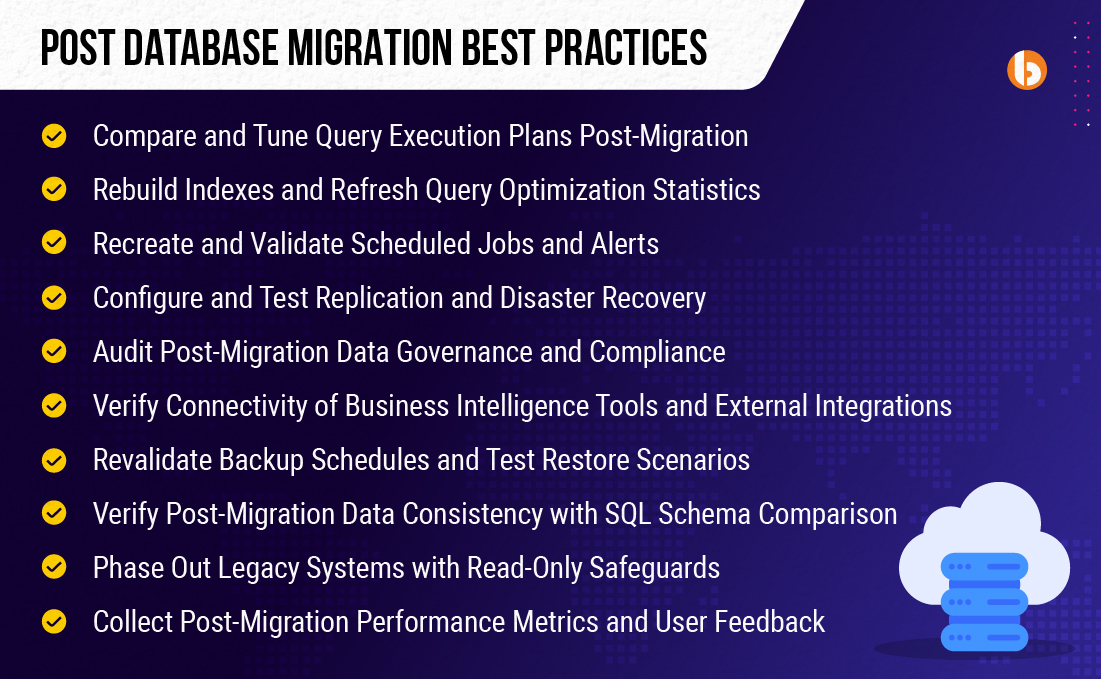
21. Compare and Tune Query Execution Plans Post-Migration
Once migration is complete, queries may perform differently due to changes in execution plans. It’s important to compare pre- and post-migration plans to detect any regressions or inefficiencies. Fine-tuning queries ensures optimal performance and minimizes delays in production.
22. Rebuild Indexes and Refresh Query Optimization Statistics
After bulk data transfers, indexes and statistics can become outdated, affecting performance. Rebuilding indexes and updating stats helps the new system optimize queries properly. It’s one of the final but critical steps in database migration best practices to ensure fast and efficient data access.
23. Recreate and Validate Scheduled Jobs and Alerts
All automated jobs, scheduled reports, and alerting mechanisms must be re-established in the new database environment. Simply migrating data isn’t enough; task automation must also function reliably. Testing these ensures daily operations remain uninterrupted after the migration.
24. Configure and Test Replication and Disaster Recovery
Your disaster recovery and replication systems must be configured correctly in the target environment. It’s not just about enabling them; testing failovers and restoring scenarios is critical to ensure they work under pressure. This safeguards business continuity and data availability.
25. Audit Post-Migration Data Governance and Compliance
Migration can impact user permissions, data access rules, and regulatory settings. Auditing the migrated system ensures full compliance with relevant regulations and organizational policies. It helps prevent unauthorized access and supports secure, compliant operations moving forward.
26. Verify Connectivity of Business Intelligence Tools and External Integrations
After migration, Business Intelligence (BI) dashboards, reporting tools, and third-party integrations might fail if connection settings aren’t updated. Testing these connections ensures data flows correctly and reporting works as expected. As part of database migration best practices, this step helps prevent disruptions to business operations.
27. Revalidate Backup Schedules and Test Restore Scenarios
In the new environment, backups should be reconfigured with updated schedules, storage locations, and policies. Once that’s done, perform test restores to ensure the backups are functional and meet your recovery time objectives. This helps protect your data from future loss or corruption.
28. Ensure Post-Migration Data Consistency with SQL Schema Comparison
Run SQL diff tools to check for any mismatches in schema or data between the old and new databases. This helps identify mismatches, missing records, or structural differences that may have occurred during migration. Ensuring consistency builds trust in the integrity of the migrated data.
29. Phase Out Legacy Systems with Read-Only Safeguards
Don’t immediately shut down your old system; keep it in read-only mode for a short period post-migration. This allows teams to verify that all operations work as expected in the new environment. Phased decommissioning adds a layer of safety during transition.
30. Collect Post-Migration Performance Metrics and User Feedback
Once the migration is done, monitor system metrics to see how it’s performing and check in with users to spot any unexpected issues. Combining technical data with real user input is a reliable part of database migration best practices to make sure everything works as expected.
Simplify Your Database Migration Journey
Database migration goes beyond simply transferring data; it’s about ensuring systems stay reliable, secure, and fully functional throughout the process. A successful migration requires careful planning, the right tools, and a strong focus on database migration best practices across each stage: before, during, and after the move.
Whether you are shifting to the cloud, upgrading legacy systems, or consolidating databases, using professional database migration services can make the process easier and more reliable. Here, certified experts help you avoid mistakes, keep your data clean, and ensure everything keeps running on time.
With the right steps and expert support, you can improve performance, increase scalability, and protect your data for the long term.
Frequently Asked Questions (FAQs)
Yes, you can migrate a live production database, but it must be done carefully. Use real-time replication and zero-downtime strategies to keep services running. Always run tests to avoid unexpected failures during or after the migration.
Rollback planning means having a reliable way to restore your original database if something goes wrong. This helps prevent data loss or system outages, and it’s a critical step to reducing risk during migration.
Start by testing in a non-production environment using sample data or a clone. Run dry runs, validate outputs, and test your applications against the new system. It helps catch issues before they impact users.
Risks include data loss, broken applications, or slower performance after migration. Incompatible schemas or missed dependencies can lead to errors. Without planning, downtime or service disruption is also likely.
Tools like AWS DMS, Azure DMS, Google Cloud DMS, and Flyway simplify the process. They support data replication, transformation, and real-time migration. The right tool depends on your database type and cloud provider.
Always verify that the data in the target matches the source. Use checksums, row comparisons, or hash validations to confirm accuracy. This helps ensure that nothing is lost or corrupted in transit.
Review and map your old schema to the new one before starting. Use tools to transform or align schemas and test compatibility. It prevents data mismatches and application failures.