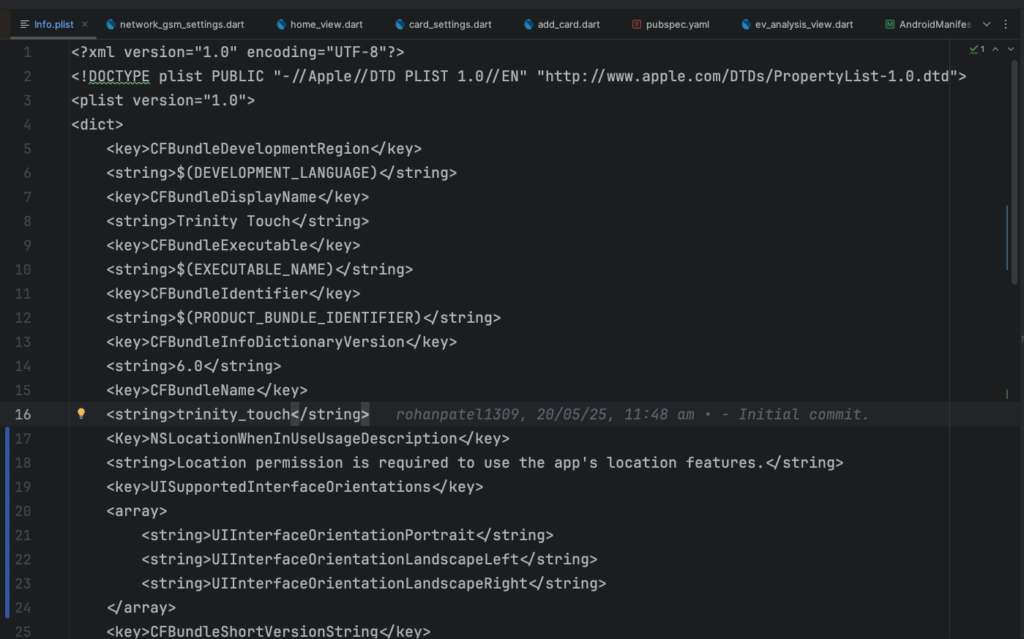
Open Info.plist file( Path : your_project/ios/Runner/Info.plist)
Here you can add key(Permission name) and value(Reason to use permission).
Example 1:
<key>NSLocationWhenInUseUsageDescription</key>
<string>Location permission is required to use the app's location features.</string>
– You can also add multiple permissions in array.
Example 2:
UIBackgroundModes
remote-notification
fetch
>/pre>

Need Help With Flutter Development?
Work with our skilled Flutter developers to accelerate your project and boost its performance.
Hire Flutter Developers