| Specification | Cursor | ChatGPT |
| Primary Focus | Coding Assistance | General AI Assistant |
| IDE Integration | Built-in editor integration | Requires plugin/extension |
| Code Completion | Context-aware, smart suggestions | Available via prompts |
| Refactoring & Edits | Deep, automated support | Possible through prompts |
| Conversational Ability | Limited | Strong, natural language interaction |
| Non-Coding Tasks | Not supported | Excellent support for diverse tasks |
| Collaboration & Team Notes | Basic | Supports team collaboration & notes |
| Learning & Explanation | Code-centric guidance | Broad support for coding & general learning |
| Pricing | Free / Pro / Enterprise | Free / Plus / Enterprise |
| Customization | Contextual project-based | Customization via prompt engineering |
Quick Summary
This article looks at Cursor vs ChatGPT, showing how each AI assistant works and where it’s most effective. It helps teams understand which tool fits best for different workflows and project needs.
Table of Contents
Introduction
As AI assistants become more central to software development, companies often struggle to choose the right tool for coding tasks. Among the most discussed are Cursor and ChatGPT, both capable of generating code, yet each serving developers in very different ways.
ChatGPT is already helping millions of developers solve coding problems and speed up their workflows, demonstrating the widespread adoption of AI for programming tasks. (notta)
On the other hand, Cursor, launched in 2023, has quickly gained traction, already reaching around 360,000 paying users, demonstrating its rapid adoption among hands-on developers. (Tap Twice Digital)
As both tools can write code, they are often compared, but their focus, workflow integration, and ideal use cases differ. Choosing the right assistant can significantly impact coding efficiency and project outcomes.
In this article, we explore Cursor vs ChatGPT, highlighting their strengths, differences, and the situations where each is most effective.
Are Cursor and ChatGPT Alternatives to Each Other?
At Bacancy Technology, companies often ask us which vibe coding tool is best for their projects. In those conversations, Cursor and ChatGPT are the two names that come up most frequently. They’re trending, widely adopted, and both capable of generating code, so it’s natural for teams to evaluate them side by side.
From our experience working closely with AI-assisted development, the comparison makes sense; both tools can generate code. That shared capability is what places them in the same conversation. However, treating them as equal replacements can lead to the wrong choice.
Cursor is built specifically for developers who want AI embedded directly into the coding process. It works inside the IDE, understands the project context, and supports continuous, production-level coding. ChatGPT, while also capable of writing code, is better suited for exploring logic, drafting snippets, and validating ideas outside the codebase.
“From a developer’s perspective, Cursor feels like an extension of the code editor, while ChatGPT feels like an intelligent coding consultant. Both help with code, but they support very different moments in the development process.”
– Nayan G, AI/ML Developer, Bacancy Technology.
Choosing between ChatGPT vs Cursor affects whether coding happens faster inside the codebase or requires more manual coordination outside it.
About Cursor
Cursor is an AI-powered coding assistant that helps developers write, debug, and refactor code efficiently. It understands the programming context and accelerates development.
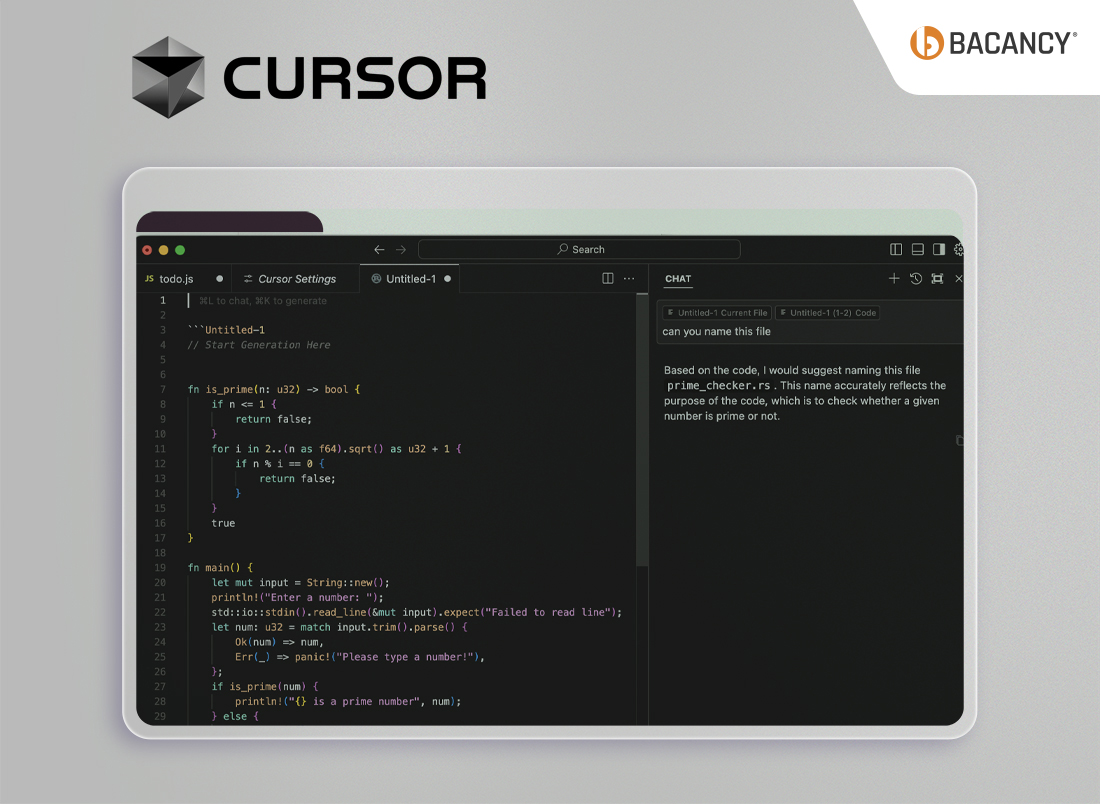
Key Capabilities of Cursor AI:
- Cursor allows you to type plain English instructions, such as “Write a Python function to fetch weather data from an API”, and it generates the corresponding code.
- It can predict the next lines of code based on the context of your project and suggest improvements or automatically fix bugs, making the development process faster and smoother for Cursor developers.
- Cursor supports multiple languages and frameworks, including Python, JavaScript, and TypeScript, and works directly inside VS Code or other editors for a seamless coding experience.
About ChatGPT for Coding
ChatGPT, especially its advanced versions, can assist with coding in a general-purpose way, making it useful for developers of all levels.
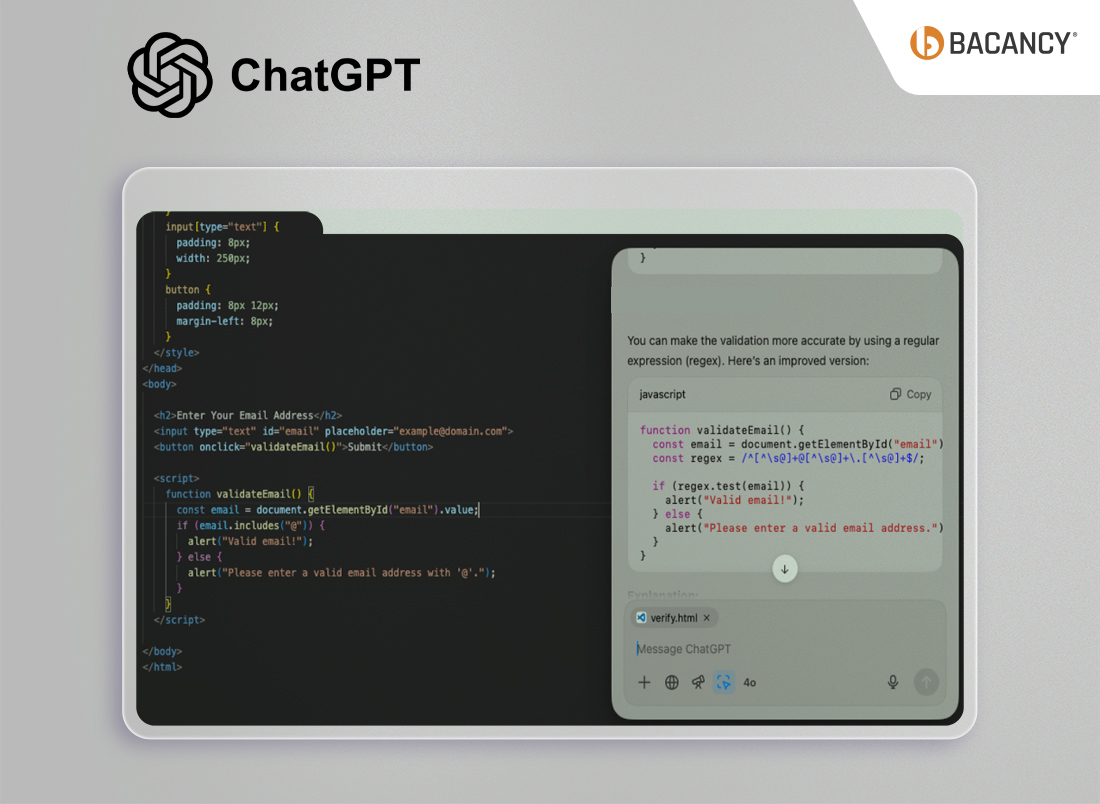
Key Capabilities of ChatGPT:
- You can give it natural language prompts, such as “Write a Python function to sort a list of dictionaries by key”, and it will generate code.
- It excels at explaining code, teaching concepts, debugging guidance, and generating examples across multiple languages like Python, JavaScript, Java, and C++ (works outside the editor, not directly in project files).
- ChatGPT is best used as a coding tutor and problem-solving assistant, providing insight, learning support, and flexible code generation outside the editor.
Want to harness the capabilities of both Cursor and ChatGPT for your projects?
Hire vibe coding developers with the expertise of both tools, only from Bacancy.
A Quick Read on the Differences Between Cursor and ChatGPT
Cursor vs ChatGPT: Detailed Comparison To Decide Which Vibe Coding Tool to Choose When
For a deeper understanding of how these tools differ in real-world use and why one might be better suited than the other, let’s explore their practical differences.
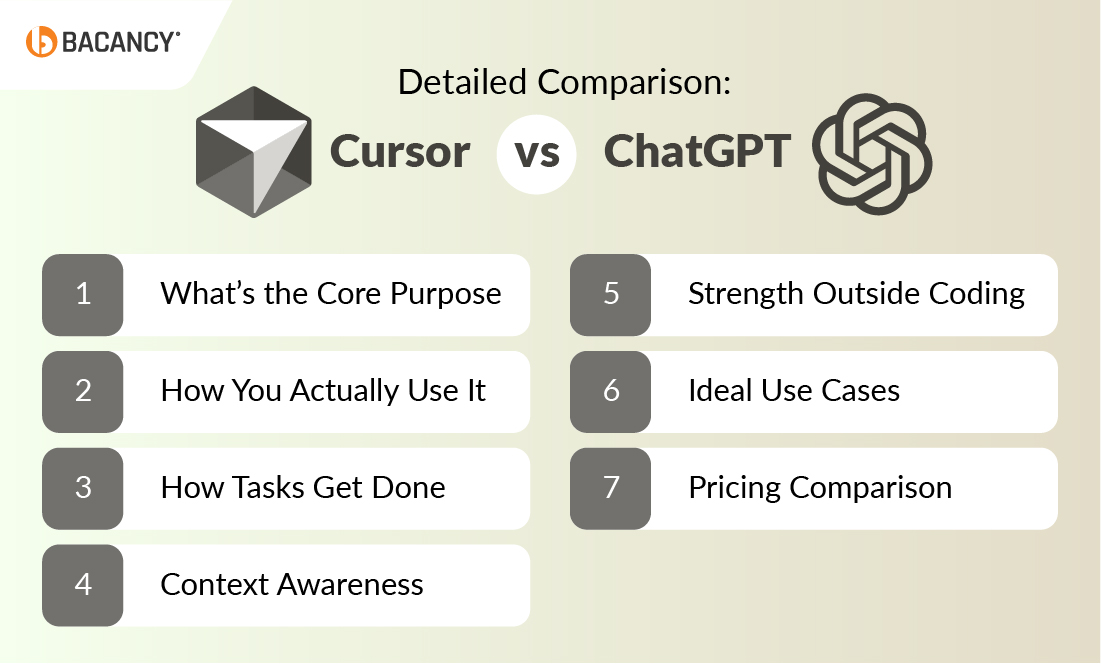
1. What’s the Core Purpose
The fundamental difference between Cursor vs ChatGPT lies in what they are built for. Cursor is coding-first, while ChatGPT is AI-first, and this is the most important distinction.
Cursor is designed to help teams write, edit, and improve code directly inside the editor, making its primary value clear: speeding up everyday coding work without leaving the development environment.
In contrast, ChatGPT is designed as a general AI assistant, where coding is one of many things it can do, alongside writing, research, planning, and analysis.
2. How You Actually Use It
As Cursor is coding-first, it fits inside the coding workflow. Teams interact with it while typing, editing files, or refactoring code, with AI suggestions appearing naturally as part of the process.
ChatGPT, however, works outside the editor. Teams describe problems in a chat interface, paste code when needed, and then manually apply the suggestions back into their projects.
As a result, Cursor becomes part of the workflow itself, while ChatGPT supports the workflow from the side.
3. How Tasks Get Done
This difference becomes clearer when looking at how work is completed.
With Cursor, tasks are handled directly in the codebase. Teams can:
- Get inline code completion
- Edit existing files
- Refactor entire sections
- Apply changes straight to the project
These actions happen through prompts inside the editor and automatic suggestions as work progresses.
ChatGPT approaches tasks differently. It helps by:
- Explaining code logic
- Generating example snippets
- Helping think through solutions
- Answering coding questions
But changes must be copied back into the code manually.
4. Context Awareness
With Cursor being operate inside the editor, it understands the full project context, including files, structure, and dependencies, while changes are being made.
ChatGPT, on the other hand, only understands the information shared within the conversation. Without full visibility into the codebase, its responses are limited to the snippets and descriptions provided.
This makes Cursor better suited for ongoing development work, while ChatGPT excels at guidance and reasoning.
5. Strength Outside Coding
Cursor’s narrow focus is intentional. It is almost entirely centered on coding and does not aim to support broader tasks such as documentation, strategy, or learning.
ChatGPT fills this gap by supporting:
- Documentation
- Planning
- Learning and explanations
- Business and technical writing
- Research and analysis
Because of this, ChatGPT delivers value across multiple teams, not just engineering.
6. Ideal Use Cases
Taken together, these differences define where each tool fits best.
Cursor works best when:
- Coding happens daily
- Speed inside the editor is critical
- Teams want AI to continuously modify real code
- Quick bug fixes or small feature additions are frequent
- Maintaining coding standards and reducing repetitive tasks is a priority
ChatGPT works best when:
- Teams need explanations and ideas
- Coding is part of a broader workflow
- AI is used across multiple roles and functions
- Researching solutions or exploring alternative approaches is needed
- Drafting documentation, learning new technologies, or planning project strategies
7. Pricing Comparison
ChatGPT Pricing Plans
ChatGPT offers multiple plans that scale from individual use to full business collaboration, with pricing based on access level, reasoning capability, and usage limits. Take a look at the various ChatGPT pricing plans:
| Plan | Price | Best For | Key Inclusions |
| Free | $0 / month | Basic, occasional use | Limited reasoning, messages, uploads, image generation, research, memory, and context; access to Projects. |
| Plus | $20 / month | Regular AI users | Everything in Free + GPT-5.2 Thinking, faster responses, deeper research, custom GPTs, Codex agent, limited Sora video access. |
| Pro | $200 / month | Heavy, daily AI usage | Everything in Plus + GPT-5.2 Pro, unlimited messages & uploads, max context & speed, priority Codex agent, expanded Sora access. |
| Business | $25 / user/month (billed annually) | Teams & organizations | Everything in Plus + shared workspace, 60+ app integrations, company knowledge, admin controls, SSO, compliance support, no training on business data. |
Cursor Pricing Plans
Cursor pricing is structured around how intensively teams use AI inside the code editor, with clear tiers for individuals, teams, and enterprises. Cursor also offers monthly and discounted yearly plans. Below are the individual plans, showing how usage scales as coding needs grow. For full details, refer to Cursor’s pricing page.
| Plan | Price | Best For | Key Inclusions |
| Hobby | Free | Trying Cursor | One-week Pro trial, limited agent requests, limited tab completions |
| Pro | $20 / month | Daily coding work | Unlimited tab completions, extended agent limits, background agents, maximum context windows |
| Pro+ | $60 / month | Heavy AI coding usage | Everything in Pro + 3× usage across OpenAI, Claude, and Gemini models |
| Ultra | $200 / month | Intensive, high-volume use | Everything in Pro + 20× usage and priority access to new features |
How Bacancy Helps Teams Use Cursor and ChatGPT Effectively
For teams to get real value from AI coding assistants, they need guidance from experts who understand both development and AI. At Bacancy, as a top vibe coding service provider, we help businesses adopt and implement tools like Cursor and ChatGPT in ways that truly fit their workflows, ensuring efficiency, accuracy, and practical results.
Bacancy Assists Teams In:
- Integrating Cursor for in-editor code suggestions, context-aware completion, and reliable refactoring
- Leveraging ChatGPT for problem-solving, learning, and flexible code generation outside the IDE
- Combining both tools to enhance productivity while keeping workflows consistent
- Guiding adoption, collaboration, and structured AI-assisted development
- Developing custom software solutions for teams using both ChatGPT and Cursor
With our hands-on experience, we helps teams move beyond experimentation and use AI coding tools with confidence, ensuring they deliver consistent, measurable value across projects.