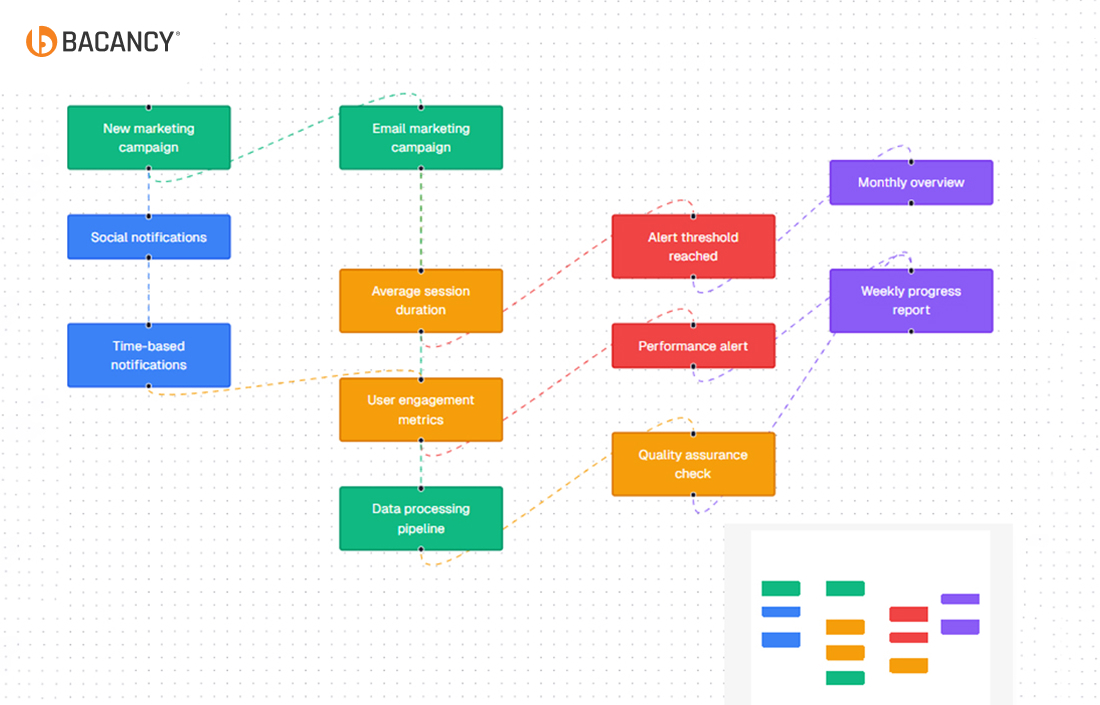
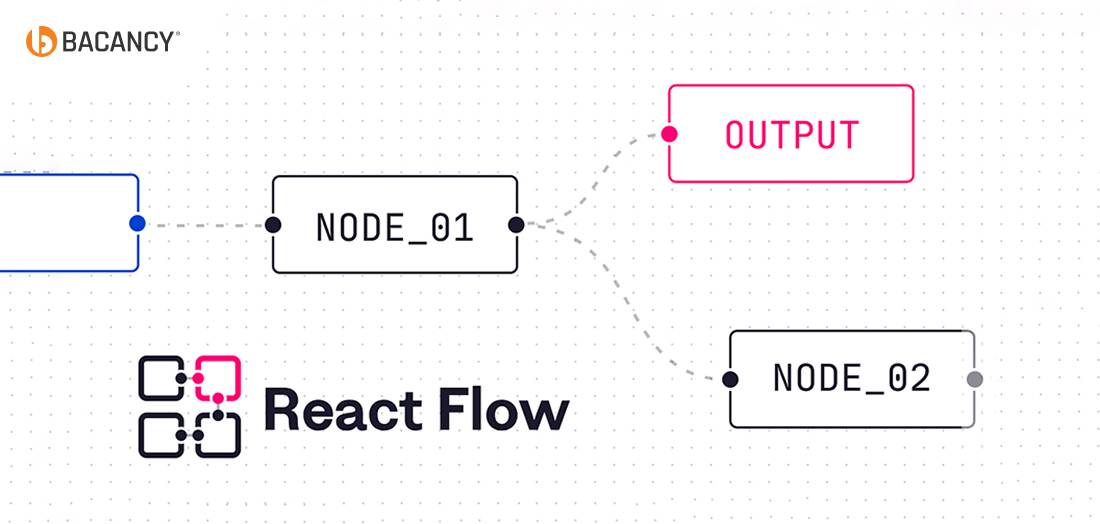
React Flow is a React library that builds interactive workflows and automation tools. It offers features like drag-and-drop nodes, customizable edges, and smooth zooming to simplify complex designs. This blog covers its key features, customization options, performance tips, and practical use cases.
Table of Contents
Introduction
Visual workflow looks easier to create, but in reality, it is hard to build on the surface.
In application, a drag-and-drop editor seems easy until you debug edge connections, fix broken zoom functions, or handle sluggish performance in large graphs. Teams lose weeks reinventing what should already exist, and the core product slips further down the roadmap.
React Flow solves that problem. It is a powerful React library built for interactive flow diagrams and workflow editors without the heavy lifting of starting from scratch. Its features, such as customizable nodes, real-time interactions, and built-in performance optimizations, allow your teams to focus on business logic instead of UI headaches.
In this blog, we will discuss how React Flow works, step-by-step tutorials, performance best practices, and real-world use cases from automation tools to no-code platforms, so you see where it fits into your product strategy.
Why Use React Flow Instead of Building an App from Scratch?
Developing a project from scratch may seem like a daunting task, but it often becomes a time-consuming and complex project. In fact, your team might face numerous challenges, such as managing node connections, handling zoom and pan functionality, and optimizing performance while the workflow grows.
Nevertheless, these issues can delay delivery, increase development costs, and divert focus from core business logic.
You can address the following challenges with ReactFlow and offer a ready-made framework with key features like:
Drag-and-drop support for easy node management
Smooth zoom and pan controls for large diagrams
Flexible edges and connections
Fully customizable nodes for unique workflows
By integrating React Flow, your team can replicate the smooth visual workflow experiences seen in platforms like n8n and Vibe Coding, focusing on business-critical functionality instead of reinventing workflow infrastructure.
React Flow Tutorial: How to Build Workflows Step by Step
Before you start working with React Flow, you should know a few prerequisites.
The first and foremost important aspect is that you must be familiar with React basics like components, state, and props. You also need Node.js installed on your machine and npm set up to manage packages.
These tools will allow you to set up your project and install the necessary dependencies quickly.
Step 1: Install React Flow
Start by adding React Flow to your project using npm. Open your terminal, navigate to your project folder, and run:
npm install reactflow
This command installs the React Flow library, which gives you access to all its components and features
Step 2: Set Up Nodes and Edges
Once installed, you can define the structure of your workflow by creating nodes and edges. Nodes represent the points in your workflow, and edges connect them. For instance, you can create a simple starting workflow like this:
This setup creates a single node and a connection, which gives you a functional diagram to build upon.
Step 3: Add Interactivity
To make your workflow usable, you need to enable interactivity. React Flow allows users to drag nodes, zoom in and out, and trigger events on clicks or changes. Adding these features makes the workflow intuitive and dynamic, rather than a static diagram.
Step 4: Enhance with MiniMap, Controls, and Background
Finally, you can add enhancements that improve usability. MiniMap gives users a quick overview of the entire workflow. Controls provide navigation tools like zoom in/out buttons, and Background adds a grid or visual reference to make the layout clearer. As a result, these small additions make the workflow professional, easy to use, and scalable.
By following the steps, you will have a fully interactive, visually clear, and customizable workflow. From here, you can expand it with custom nodes, more complex edges, and additional features to match real-world application requirements.
Final Output:
Want to transform your app with interactive workflows?
Hire React developers to seamlessly integrate ReactFlow, adapt advanced customization, and build scalable applications that accelerate business growth.
Building Custom Nodes and Edges That Fit Your React App Workflow
Custom nodes in ReactFlow allow you to represent complex workflows visually and interactively. Unlike default nodes, it gives you the flexibility to highlight important information, apply conditional styling, and include interactive elements, such as buttons, tooltips, charts, or pop-ups.
With custom nodes, your diagrams become both informative and intuitive, accurately reflecting the real-world logic of your workflows.
How to create a styled custom Node step by step?
Here’s an example of how to create a custom node in React Flow:
import React from 'react';
import { Handle, Position } from 'reactflow';

function CustomNode({ data }) {
  return (

      {data.label}
      {data.description}


  );
}

export default CustomNode;
The points to consider in Custom Nodes and Edges in ReactFlow:
Handle components define where connections start and end.
Styling can be applied via inline styles, CSS modules, or Tailwind classes.
Data props allow dynamic content inside each node.
This approach ensures your nodes are visually distinct and fully interactive.
The Edge styling and connection best practices to follow:
Edges define relationships between nodes. Proper styling and connection rules enhance clarity and usability:
Edge Types: React Flow supports straight, smooth, and step edges. Choose based on readability.
Edge Styling: Customize colors, widths, and arrowheads to signify relationships or status.
Interactive Edges: Add hover effects or tooltips for extra context.
Connection Rules: Use isValidConnection to prevent invalid connections.
This setup ensures only changed nodes are updated, keeping your large graphs responsive and smooth.
Pro Tips:
You can utilize custom nodes to represent critical business logic visually.
Keep edge animations subtle to avoid distracting from workflow clarity.
Combine memoization with state separation for massive graphs with hundreds of nodes.
By following these practices, React Flow becomes a powerful tool for building scalable, interactive workflows that are easy to understand and navigate.
Where React Flow Powers the Future of Automation and No-Code Platforms?
Modern businesses increasingly rely on automation and no-code solutions to streamline operations and reduce manual effort. However, building visual workflow editors for these platforms can be complex, time-consuming, and prone to errors.
React Flow provides a solution by enabling your developers to create interactive, easy-to-manage diagrams that turn complex processes into clear, actionable workflows.
Moreover, n8n and platforms inspired by Vibe Coding use React Flow to power their workflow editors. It allows your developers to embed fully interactive diagrams directly into SaaS platforms, which gives end-users a visual and intuitive way to manage automation.
What are the real-world applications of ReactFlow?
Workflow Builders: React Flow allows developers to create intuitive drag-and-drop interfaces for designing automated processes. Users can configure complex logic without writing code, reducing development time and accelerating deployment.
Data Pipelines: Large datasets and multi-step transformations become easier to visualize and manage. With interactive diagrams, engineers can trace data flow, identify bottlenecks, and ensure accurate processing.
Mind-Mapping Tools: Teams can convert ideas into structured, interactive workflows, improving collaboration and decision-making across technical and non-technical stakeholders.
Role in Modern Automation Ecosystems
Platforms like n8n and innovative tools inspired by Vibe Coding maximize React Flow to power their workflow editors. Its flexibility enables developers to embed fully interactive diagrams into no-code and low-code applications, bridging the gap between technical complexity and user-friendly design.
As a result, the React Flow combines rapid development with full control, which allows your teams to focus on business logic rather than UI mechanics. It reduces development costs, enhances user adoption, and supports scalable solutions for startups and enterprises alike.
By adopting React Flow, businesses can deliver faster, smarter workflows while maintaining technical flexibility and reliability.
How Do Bacancy’s React Developers Implement React Flow to Enhance Projects?
At Bacancy, we prioritize developing applications and creating interactive workflows that solve real business problems. Utilizing React Flow, our developers turn complex processes into intuitive, scalable, and high-performance diagrams. This approach helps clients deliver products faster and improve user experience.
What Approaches We Implemented:
1. We collaborate with clients to understand workflow complexity, pain points, and desired outcomes. Every node, edge, and interaction reflects real business logic.
2. Our team creates tailored nodes and connections beyond default functionality. Buttons, actions, metadata, and visual cues make workflows interactive and intuitive for end-users.
3. Large workflows often slow applications. We apply memoization, local state management, and selective rendering to maintain smooth drag-and-drop interaction with hundreds of nodes.
4. React Flow diagrams fit into no-code solutions, automation tools, and SaaS dashboards, connecting visuals directly to backend processes for real-time response.
Proven Results We Get:
Using React Flow, our clients achieve,
50% faster development cycles compared to building workflows from scratch.
Scalable, high-performance diagrams that handle complex processes.
Improved user adoption with clear and intuitive workflows.
Lower maintenance costs through reusable, modular components.
With Bacancy’s React expertise, React Flow becomes a strategic solution. We help businesses accelerate innovation, streamline operations, and deliver complex workflows with precision and speed.
Ready to Scale Your App with React Flow? Let’s Build It Together
Visual workflows often create complexity, but React Flow makes them intuitive, interactive, and scalable. With features like custom nodes, dynamic edges, and performance optimizations, developers can focus on solving real business problems rather than fixing UI issues. React Flow is more than a library; it is a powerful tool for modern applications that helps teams deliver high-quality workflows faster and more efficiently.
Bacancy is a leading React development company that helps businesses turn React Flow diagrams into real-world applications. Whether the goal is a workflow automation tool, a no-code platform, or a data visualization dashboard, our experts deliver solutions that accelerate development, improve user adoption, and future-proof applications.
Frequently Asked Questions (FAQs)
You can install React Flow by running npm install reactflow in your project. After that, import it into your React application, and you are ready to create workflows with nodes and edges.
React Flow allows you to design your own nodes and edges using React components. By defining them in nodeTypes and edgeTypes, you can fully control how they look and behave within your workflow.
For applications with large graphs, use React.memo to reduce unnecessary renders, separate global state from local state, and apply selective rendering techniques. These practices ensure smooth navigation and faster response.
The Free version of React Flow covers core features such as nodes, edges, zoom, and drag-and-drop functionality. The Pro version adds advanced capabilities like team collaboration, background grid, mini-map, and priority support.
Not every enterprise application requires Pro. The free version works well in many use cases. Pro becomes useful when your app demands collaboration features, advanced customization, and reliable support for scaling projects.
Dipal Bhavsar
Tech Geek at Bacancy
Story-driven writer blending research, passion, and full-stack web clarity.